How to set a stop date for sending a SMS in Intercom
Here is how to set a stop date for sending a sms in intercom
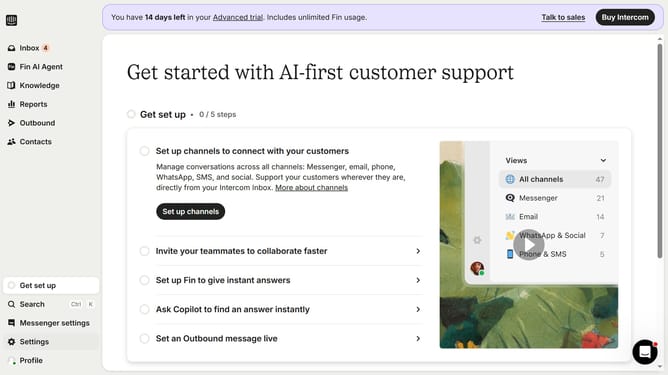
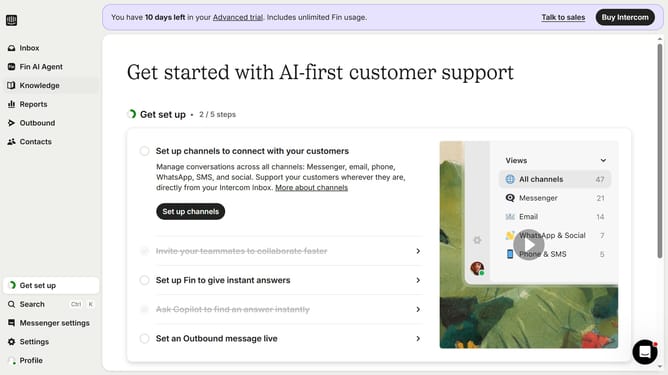
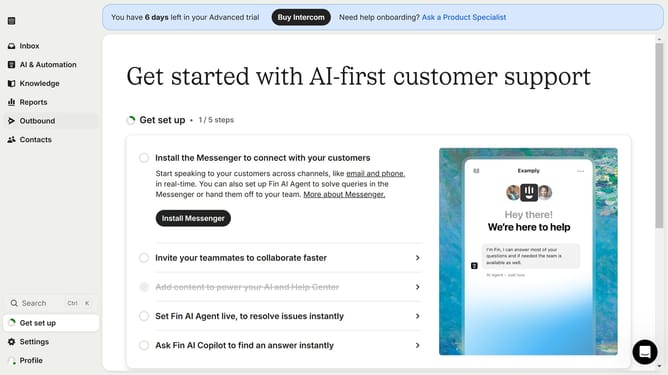
- First click on the "Outbound" option in the left sidebar menu
- Then click on the "New message" button in the top right corner of the messages view
- Next click on the "SMS" template option from the available message types
- Then click on the "Frequency and scheduling" dropdown section
- Next click on the "Custom date" radio button under Stop sending options
- Finally select the stop date and time in the custom date picker
Why should you set a stop date for sending a SMS in Intercom
Intercom is a versatile platform designed to enhance customer communication and engagement effectively.
One of its valuable features is the ability to set a stop date for sending SMS messages. This feature allows users to control the timing and relevance of their messages efficiently.
By setting a stop date, you ensure that your SMS campaigns end precisely when you intend, preventing over-messaging and maintaining customer satisfaction. This enhances your communication strategy by ensuring messages are timely and relevant.
Last update