How to send a Banner during a specific time in Intercom
Here is how to send a banner during a specific time in intercom
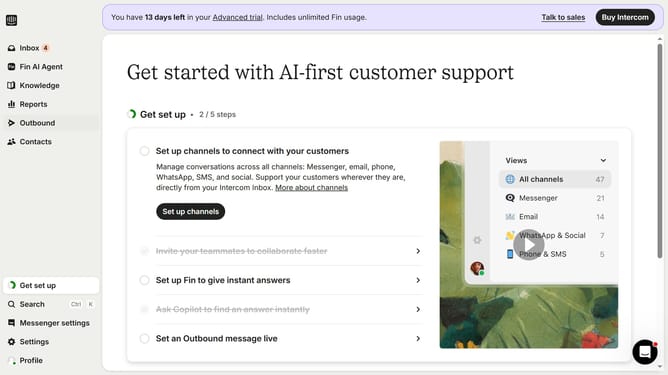
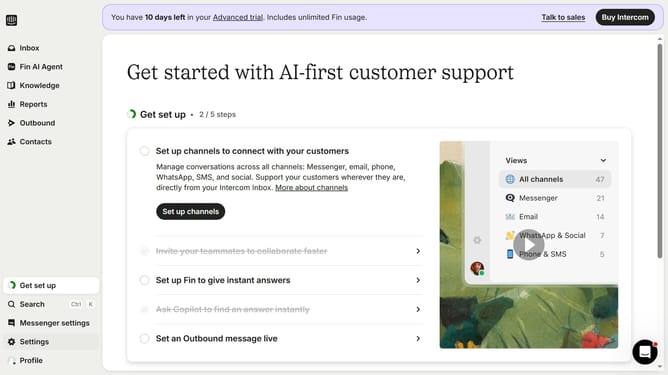
- First click on "Outbound" in the left sidebar menu
- Then click on "New message" button in the top right corner
- Next click on "Banner" template option in the template selection screen
- Then click on "Frequency and scheduling" dropdown section in the settings panel
- Select "on any day, any time" from the send timing dropdown
- Click on "At custom times" option in the scheduling dropdown menu
- Finally click on the schedule grid to set specific sending times
Why should you send a Banner during a specific time in Intercom
Intercom is a powerful platform designed to streamline customer communication and enhance engagement.
One standout feature of Intercom is the ability to schedule banners for display at specific times. This allows you to efficiently target your audience with relevant information when it matters most.
Utilizing timed banners can significantly increase user interaction by capturing attention at optimal moments, ensuring messages are seen without overwhelming your customers.
This strategic approach enhances communication and nurtures customer relationships by delivering the right content at the right time.
Last update