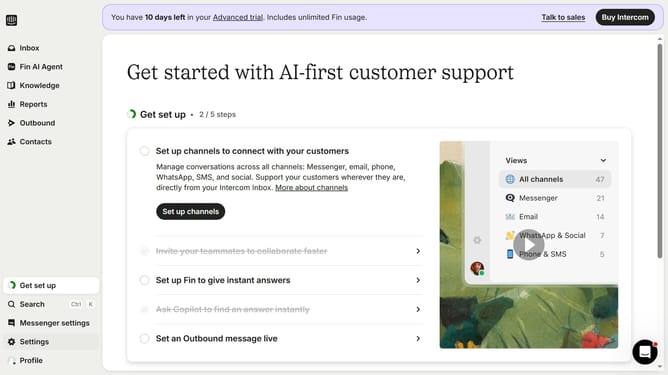
How to filter messages in Intercom
Here is how to filter messages in intercom
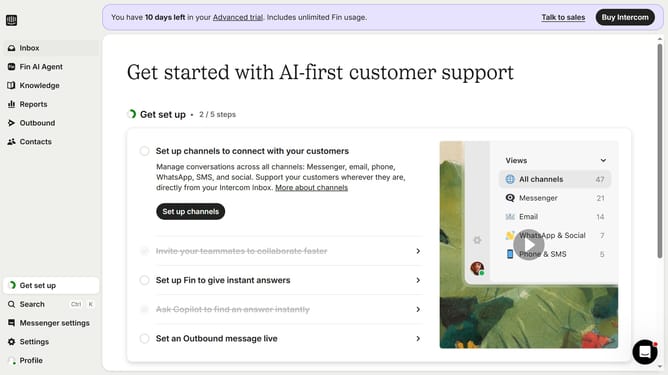
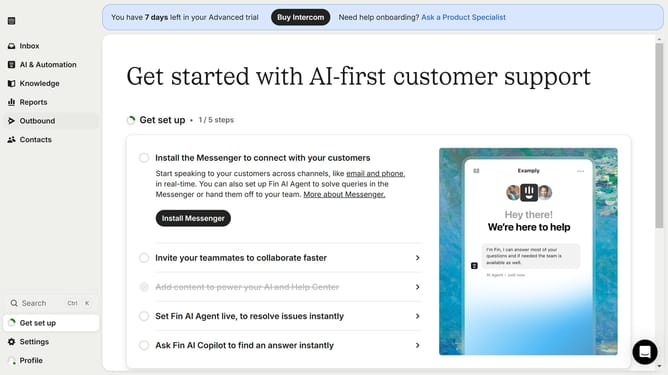
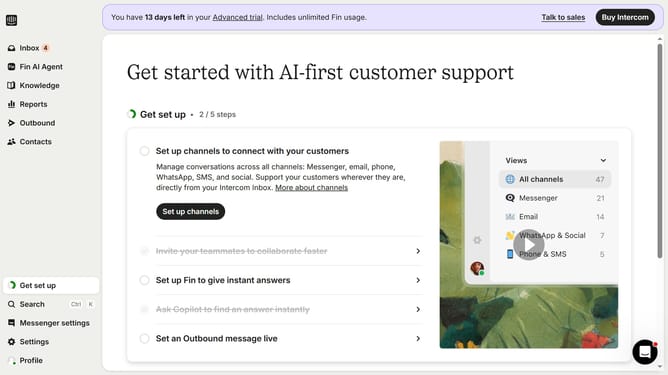
- First click on the "Outbound" option in the left sidebar menu
- Then click on the "Filter" button in the top toolbar of the messages section
- Finally select the category type from the filter dropdown menu
Why should you filter messages in Intercom
Intercom is a dynamic platform designed to help businesses engage with their customers through seamless communication.
One of its standout features is the ability to filter messages, which allows users to swiftly navigate and organize conversations with ease.
Using message filters in Intercom enhances efficiency by sorting out critical interactions, making sure nothing important slips through the cracks.
This feature streamlines workflow, saves time, and enables teams to prioritize customer queries effectively, ultimately boosting customer satisfaction.
Last update