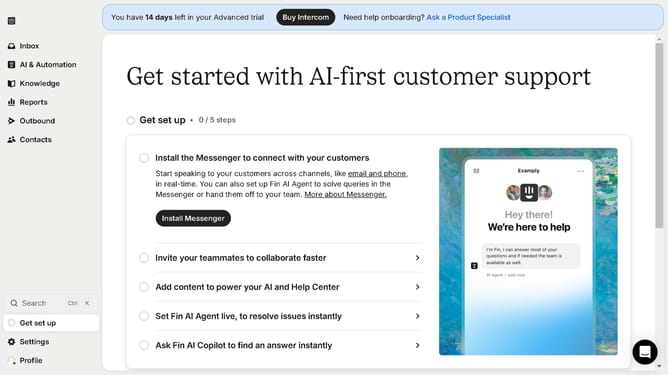
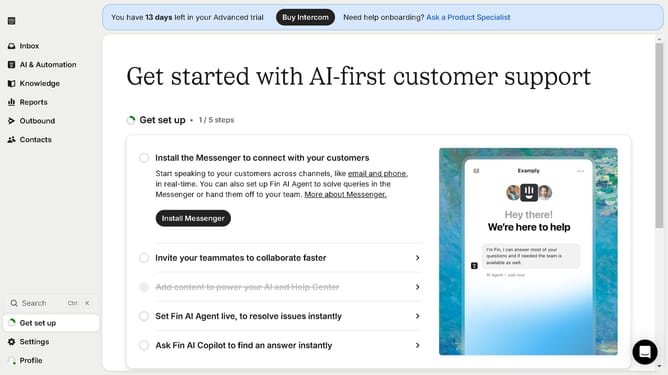
How to share a checklist on Intercom
Here is how to share a checklist on intercom
- First click on the "Outbound" item in the left sidebar
- Then click on the live checklist in the messages list
- Next click on "Additional ways to share your checklist" dropdown in the settings panel
- Then click on the input field and enter the URL on where to apply the checklist
- Finally click on the "Copy link" button to copy the generated checklist URL
Why should you share a checklist on Intercom
Intercom is a dynamic platform that streamlines customer communication effortlessly.
Sharing a checklist on Intercom enables teams to stay aligned and communicate tasks effectively. This feature enhances collaborative efforts by ensuring everyone is on the same page, reducing the risk of errors and omissions.
Utilizing this feature promotes transparency in progress tracking, boosting team productivity and efficiency. With streamlined communication, businesses can focus on delivering exceptional customer service experiences.
Last update