How to embed video in an internal article on Intercom
Here is how to embed video in an internal article on intercom
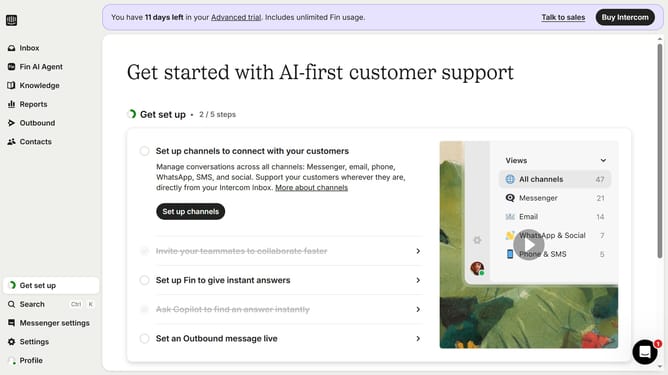
- First click on "Knowledge" item in the sidebar menu
- Then click on "Articles" in the content section
- Next click on the article link
- Then click on the edit icon
- After that click on the "Add Video" button
- Finally click on the "Save" button
Why should you embed video in an internal article on Intercom
Intercom is a versatile customer messaging platform designed to streamline communication between businesses and their customers.
Embedding a video in an internal article on Intercom enhances the reader's experience by delivering information in a dynamic and engaging manner. Visual content allows for complex ideas to be conveyed more effectively and memorably.
Utilizing video within Intercom helps cultivate deeper learning and understanding, boosting engagement and retention among team members, all while maintaining an organized and professional appearance.
Last update