How to send a Product Tour during a specific time in Intercom
Here is how to send a product tour during a specific time in intercom
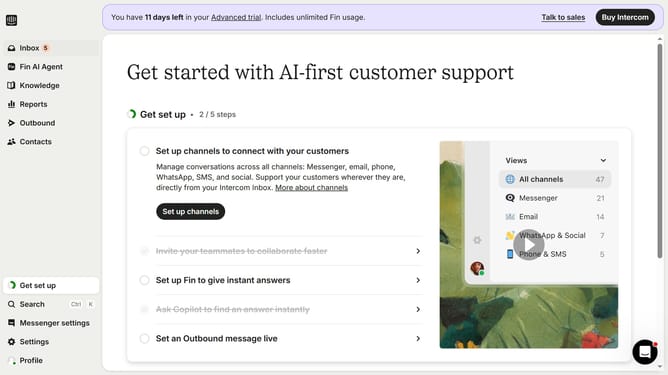
- First click on the "Outbound" item in the left sidebar menu
- Then click on the "New message" button in the top right corner of the main content area
- Next click on the "Product Tour" template option from the available templates
- Then click on the "Frequency and scheduling" dropdown section to expand scheduling options
- Next click on the "on any day, any time" dropdown to view timing options
- Then click on "At custom times" option from the timing dropdown menu
- Click on the time slot grid to select specific sending times
Why should you send a Product Tour during a specific time in Intercom
Intercom is a powerful messaging platform designed to drive customer engagement and success.
Scheduling a Product Tour for a specific time in Intercom ensures that users receive guided support precisely when they need it. This feature allows businesses to offer personalized onboarding experiences, boosting user retention and satisfaction.
Timed delivery of Product Tours aligns product education with user activity peaks, enhancing customer experience and encouraging feature adoption.
This strategic scheduling maximizes the impact of your guidance, creating a more seamless and valuable user journey.
Last update