How to add a language to a workflow in Intercom
Here is how to add a language to a workflow in intercom
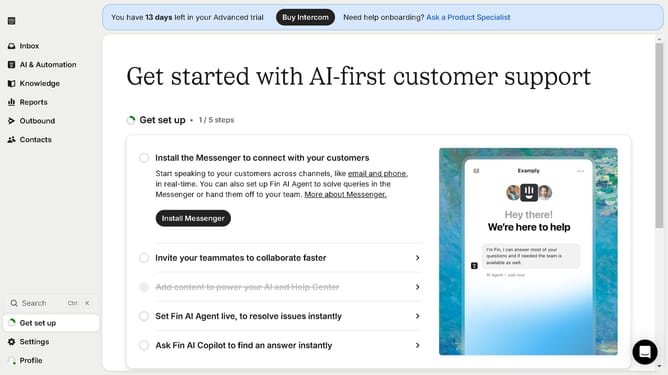
- First click on "AI & Automation" in the left sidebar menu
- Then click on "Workflows" in the left sidebar submenu
- Next click on workflow item in the workflows list
- Then click on "Add step" button in the workflow editor
- Click on the "Search" field in the top menu of the workflow editor
- Finally click on "Set language override" action in the Add action dropdown menu
Why should you add a language to a workflow in Intercom
Intercom is a versatile platform designed to enhance customer communication and support.
Adding a language to a workflow in Intercom allows businesses to cater to a global audience by offering personalized experiences in multiple languages.
This feature helps improve customer satisfaction and engagement by making interactions more accessible and considerate. It is an invaluable asset in building relationships with diverse customer bases, ultimately fostering trust and loyalty.
Last update