How to create a new ticket in Intercom
Here is how to create a new ticket in intercom
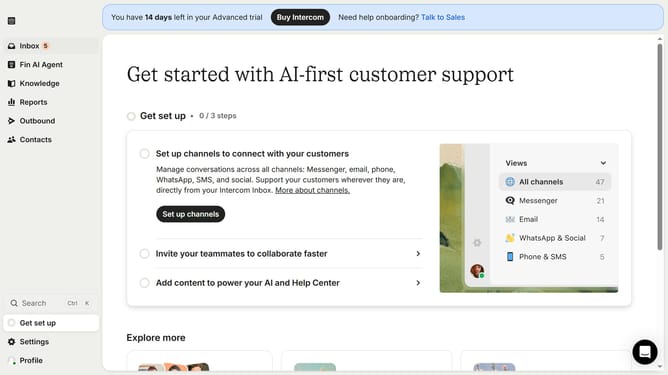
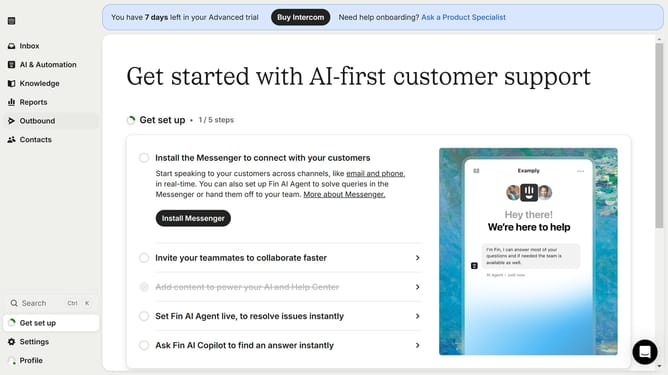
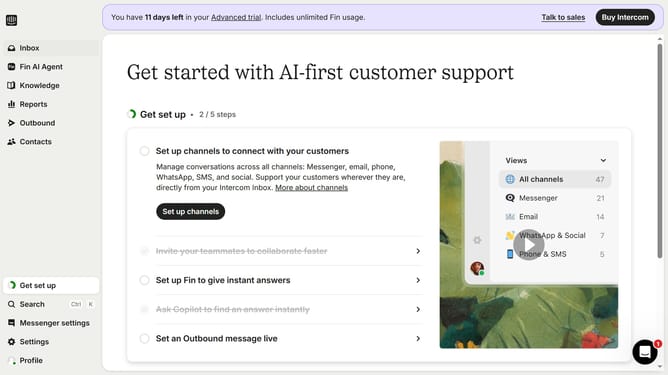
- First click on the "Inbox" item in the left sidebar
- Then click on the "+" button in the main content area
- Select "Ticket" option from the dropdown menu
- Click on "Tickets" item in the create ticket menu
- Click on the "Add customer" dropdown button
- Choose a customer from the customer list
- Click on the "Add title..." field to enter the ticket title
- Click on the "Add description..." field to enter the ticket description
- Finally click on the "Create ticket" button to submit the form
Why should you create a new ticket in Intercom
Intercom is a versatile customer communication platform designed to foster better interactions and build stronger relationships.
The ability to create a new ticket in Intercom is a powerful feature that streamlines communication and ensures nothing falls through the cracks.
By organizing queries efficiently, businesses can provide quick resolutions, enhancing customer satisfaction.
This feature also allows teams to collaborate seamlessly, tracking conversations and maintaining context, ultimately boosting productivity.
Last update