How to duplicate outbound email message on Intercom
Here is how to duplicate outbound email message on intercom
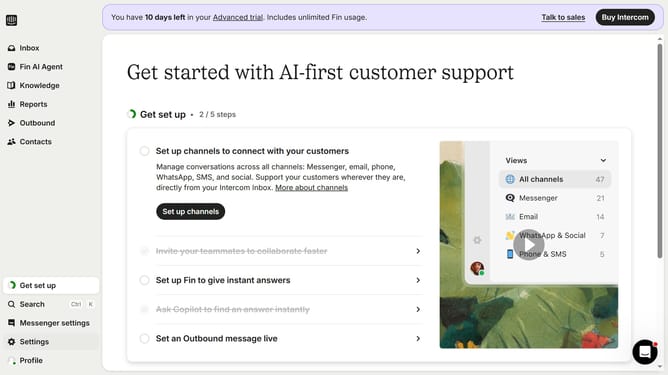
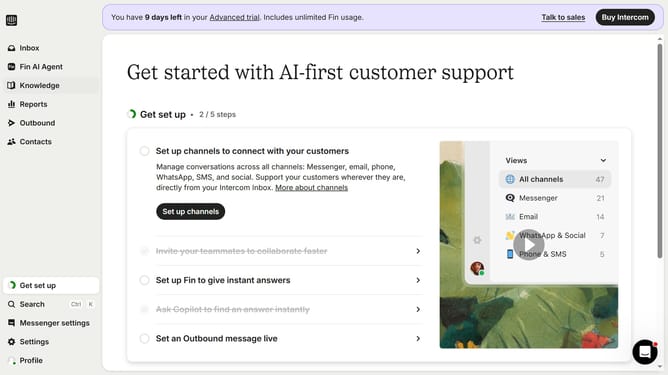
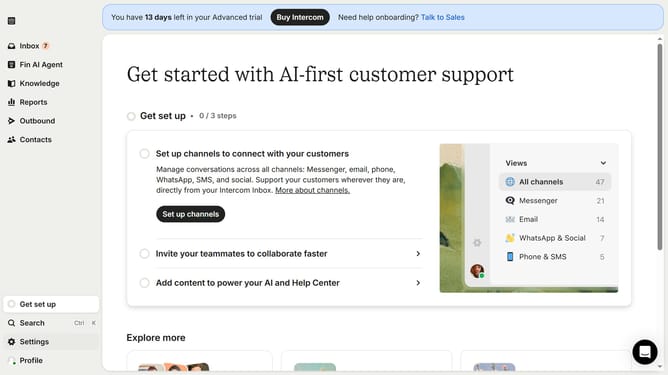
- First click on "Outbound" in the left sidebar.
- Then click on the email that you want to manage in the main content area
- Then click on the "More" dropdown
- Finally select "Duplicate" from the dropdown menu
Why should you duplicate outbound email message on Intercom
Intercom is a powerful communication platform designed to simplify customer interactions and boost engagement.
The feature to duplicate outbound email messages within Intercom elevates your workflow by allowing effortless replication of previous successful campaigns. This enables teams to maintain consistency while saving precious time.
Using this feature ensures that proven strategies are easily repeated, enhancing efficiency in your communication efforts. It also supports seamless message variations for targeted campaigns, improving overall customer engagement.
Last update