How to send a scheduled banner in Intercom
Here is how to send a scheduled banner in intercom
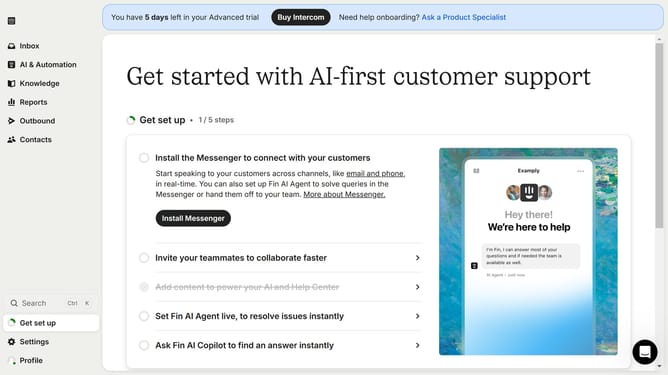
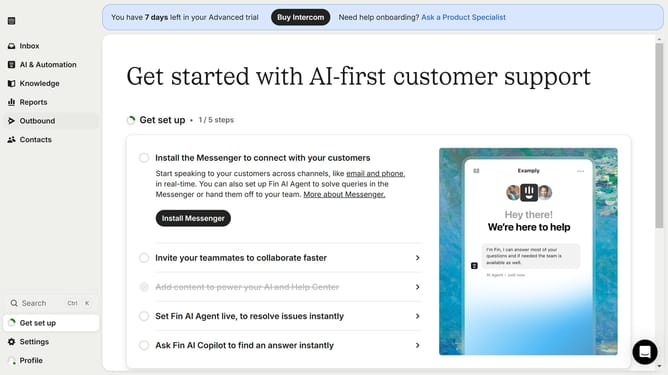
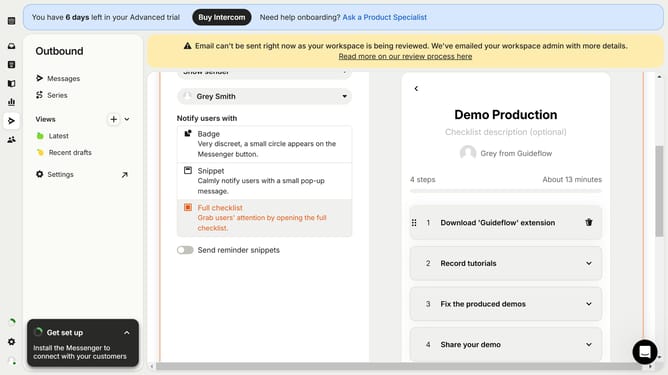
- First click on "Outbound" in the left sidebar menu
- Then click the "New message" button in the top right corner
- Next click on "Banner" option from the template selection menu
- Then click on "Frequency and scheduling" section in the message settings
- Next click on "Custom date" radio button under the Start sending options
- Finally select the date and time you want to send the banner in the custom date picker
Why should you send a scheduled banner in Intercom
Intercom is a dynamic communication platform designed to enhance customer engagement and support across digital platforms.
Sending a scheduled banner in Intercom allows businesses to effortlessly reach their audience at the most opportune moment, ensuring messages are always timely.
This critical feature provides flexibility and ensures consistent communication, which can improve user engagement and drive customer satisfaction.
By automating when banners appear, users can effectively manage marketing campaigns, boosting productivity and optimizing customer interactions.
Last update