How to delete holidays and closure hours on Intercom
Here is how to delete holidays and closure hours on intercom
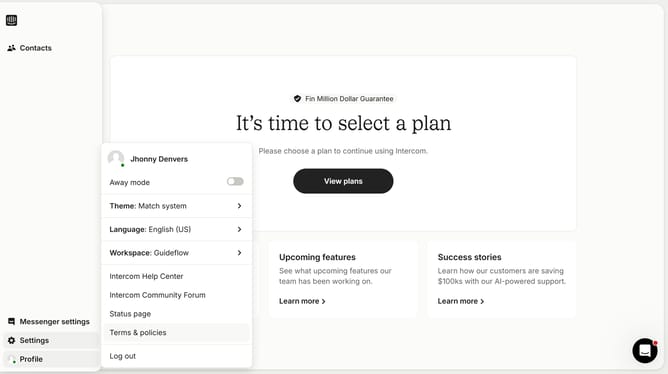
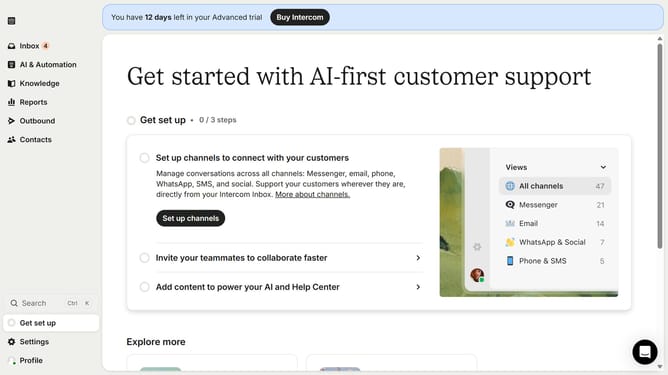
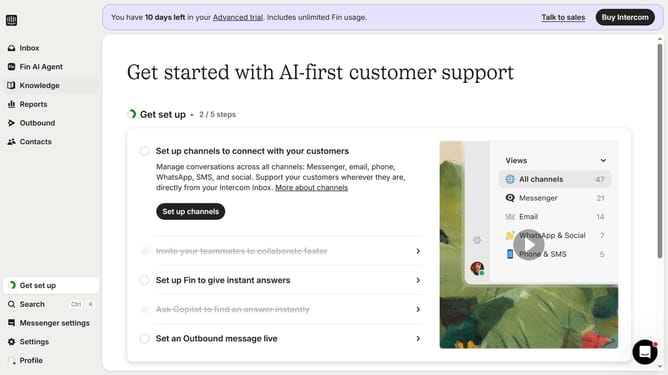
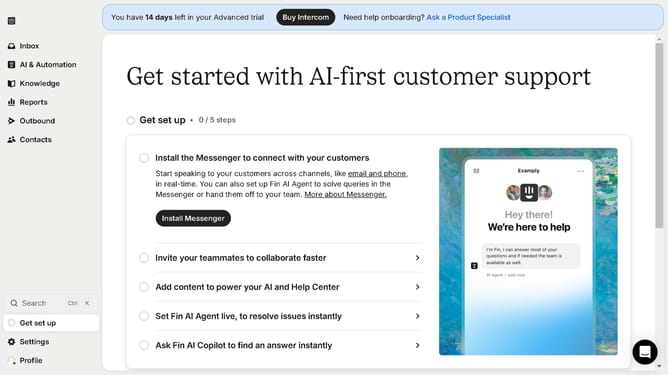
- First click on "Settings" item in the left sidebar
- Then click on "Office hours" card in the Workspace section
- Finally click on the trash can icon to delete
Why should you delete holidays and closure hours on Intercom
Intercom transforms customer interaction by seamlessly integrating communication tools into your business.
Deleting holidays and closure hours on Intercom ensures that your customer service is agile and adaptive to real-time needs. This feature allows businesses to maintain accurate availability, minimizing customer confusion and dissatisfaction.
Efficiently managing your team's operating hours not only enhances customer experience but also optimizes internal workflows, leading to more effective use of resources.
By removing outdated information, businesses stay responsive and uphold their commitment to excellent service.
Last update