How to add a reply button to a workflow in Intercom
Here is how to add a reply button to a workflow in intercom
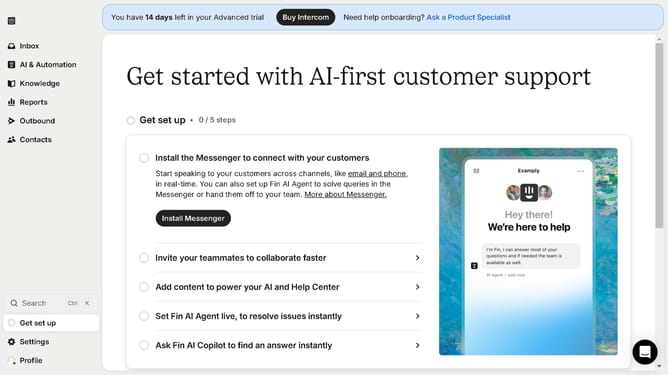
- First click on "AI & Automation" in the left sidebar menu
- Then click on "Workflows" in the left sidebar submenu
- Next click on workflow item in the workflows list
- Then click on "Add step" button in the workflow editor
- Click on the "Search" field in the top menu of the workflow editor
- Finally click on "Reply buttons" path in the Add content to path dropdown menu
Why should you add a reply button to a workflow in Intercom
Intercom is a powerful customer communication platform designed to enhance interaction between businesses and their customers.
A notable feature within Intercom is the ability to add a reply button to workflows. This feature simplifies interactions by allowing customers to respond directly within the workflow.
Incorporating a reply button into workflows can significantly improve response rates, fostering a more engaging and efficient communication process.
By providing a seamless way for customers to connect, businesses can strengthen customer relationships and drive satisfaction.
Last update