How to mark a ticket as a priority in Intercom
Here is how to mark a ticket as a priority in intercom
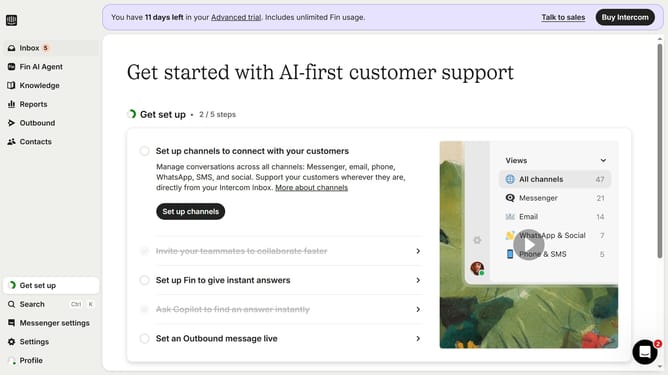
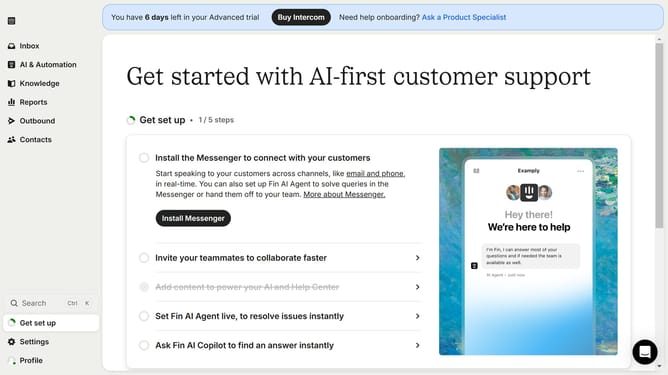
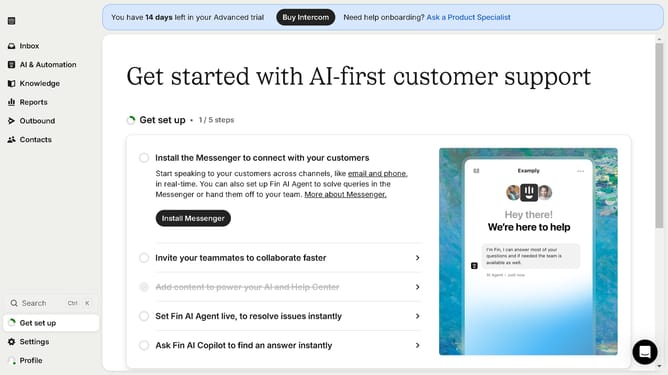
- First click on the "Inbox" item in the left sidebar menu
- Then click on the "More options" button next to the ticket you want to prioritize
- Finally click on "Mark priority" option in the message options menu
Why should you mark a ticket as a priority in Intercom
Intercom is a powerful platform designed to streamline customer communications and improve support efficiency.
Marking a ticket as a priority in Intercom ensures that crucial issues are highlighted and addressed swiftly.
By prioritizing tickets, teams can focus their attention on pressing matters, reducing response times and enhancing customer satisfaction.
This feature promotes a more organized workflow and helps maintain high service standards.
Last update