How to send a scheduled tooltip in Intercom
Here is how to send a scheduled tooltip in intercom
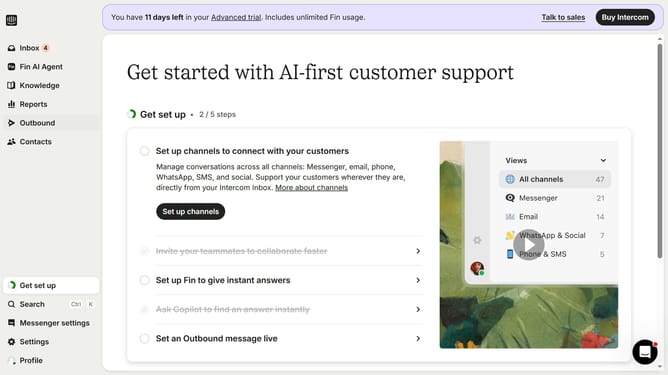
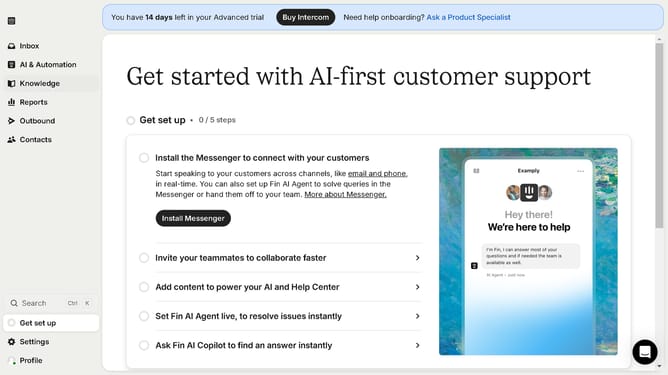
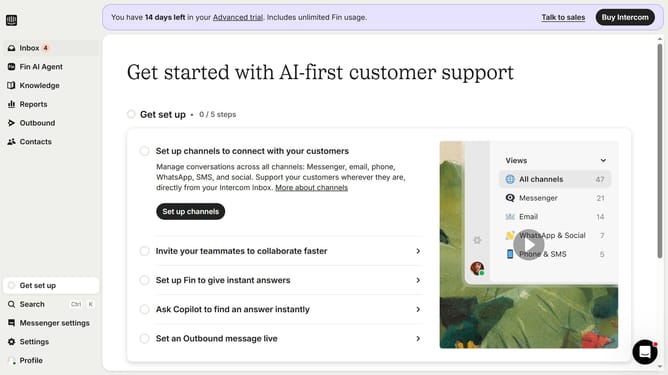
- First click on the "Outbound" option in the left sidebar menu
- Then click on the "New message" button in the top-right corner of the Messages view
- Select the "Tooltip" template from the available options in the template selection window
- Click on the "Scheduling" section in the tooltip configuration panel
- Click on the "Custom date" radio button under Start sending options
- Finally select the date and time you want to send the tooltip in the custom date picker
Why should you send a scheduled tooltip in Intercom
Intercom is an innovative platform designed to harmonize communication between businesses and their customers.
Sending a scheduled tooltip in Intercom offers automated, timely interactions, ensuring users receive useful information exactly when they need it.
This feature enhances user experience by providing guidance at crucial moments, ultimately driving engagement and reducing customer support workload.
By utilizing scheduled tooltips, businesses can deliver proactive support and maintain a seamless user journey.
Last update