How to convert a workflow into a ticket in Intercom
Here is how to convert a workflow into a ticket in intercom
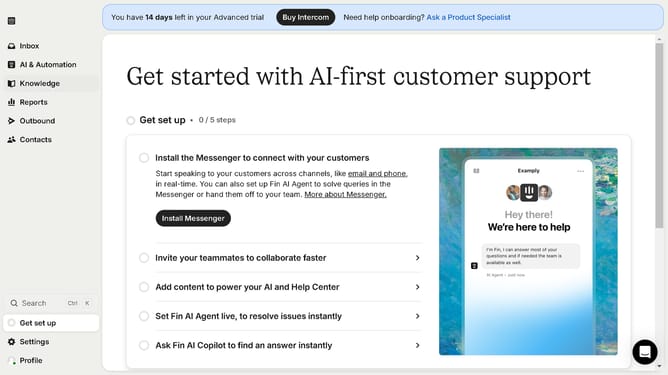
- First click on "AI & Automation" in the left sidebar menu
- Then click on "Workflows" in the left sidebar submenu
- Next click on workflow item in the workflows list
- Then click on "Add step" button in the workflow editor
- Click on the "Search" field in the top menu of the workflow editor
- Finally click on "Convert to ticket" path in the Add content to path dropdown menu
Why should you convert a workflow into a ticket in Intercom
Intercom is a versatile platform designed to enhance customer communication and engagement.
Converting a workflow into a ticket in Intercom is a seamless feature that streamlines customer support processes. By turning workflows into tickets, you ensure that important customer interactions are tracked and managed efficiently within the system. This method not only boosts team productivity but also ensures that customer queries are resolved promptly and systematically.
Using ticket conversion minimizes the chances of missed communications, enhances team collaboration, and provides a clear audit trail for every customer interaction. This feature is invaluable for businesses looking to maintain a high standard of customer service while leveraging the efficiency of digital workflow management.