How to add content to a internal article on Intercom
Here is how to add content to a internal article on intercom
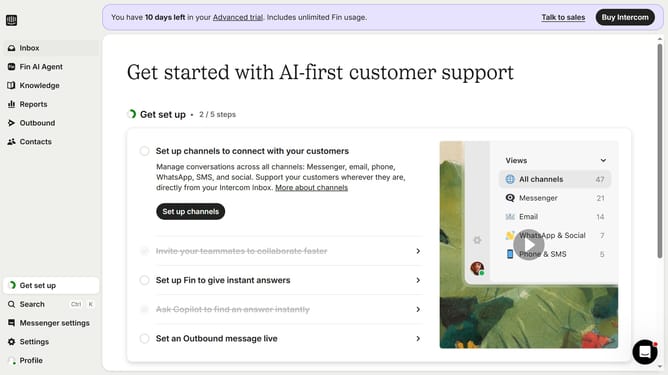
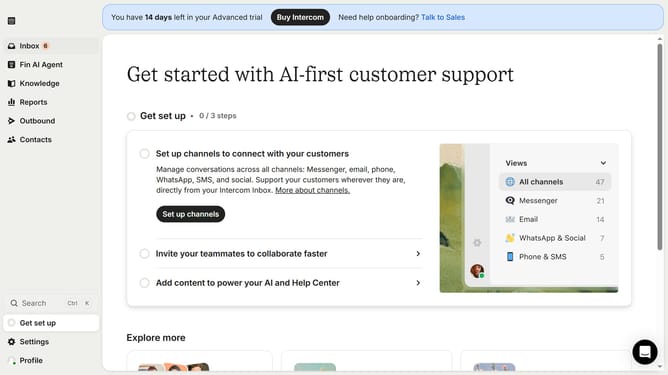
- First click on the "Knowledge" link in the left sidebar
- Then click on "Internal Article" in the content table
- Next click on the "Edit" button in the top-right toolbar
- Finally click on the tools in the editor toolbar in the bottom of the article
Why should you add content to a internal article on Intercom
Intercom is a powerful communication platform that connects businesses seamlessly with their customers.
Adding content to an internal article on Intercom amplifies team knowledge and boosts efficiency. Crafting detailed, informative articles ensures that team members have access to critical insights on-demand.
This feature enhances internal communication, fostering a collaborative learning environment. By updating internal articles, teams maintain consistency in information and swiftly address customer inquiries, ultimately elevating customer satisfaction.
Last update