How to restore an archived customer ticket type in Intercom
Here is how to restore an archived customer ticket type in intercom
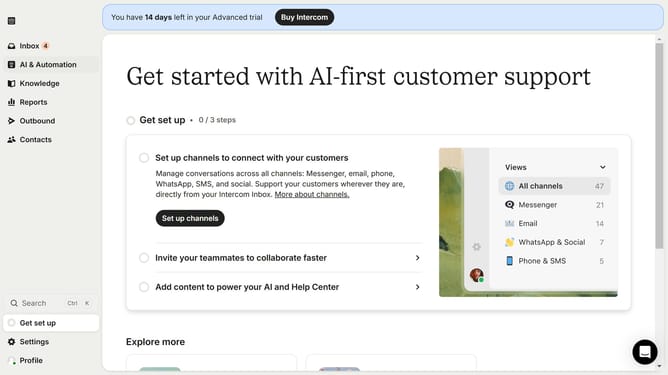
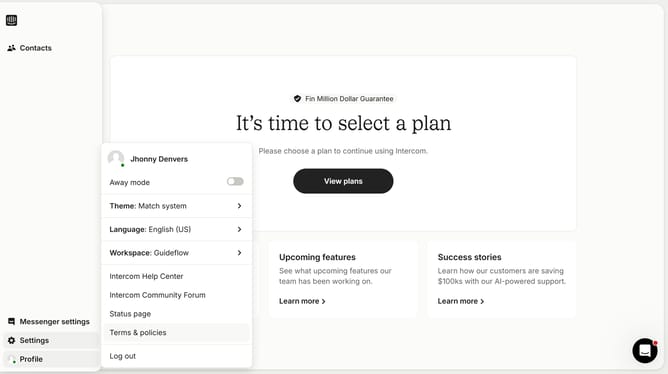
- First click on the "Settings" option in the left sidebar menu
- Then click on the "Inbox" option in the Settings menu
- Next click on the "Tickets" item under the Inbox section
- Then click on the dropdown menu in the ticket types section
- Next select "Archived" from the dropdown menu options
- Finally click on the "Restore" button next to the ticket you want to unarchive
Why should you restore an archived customer ticket type in Intercom
Intercom is a versatile messaging platform designed to enhance customer engagement and communication.
Restoring an archived customer ticket type in Intercom is a simple process that offers significant benefits. This feature allows you to retrieve valuable interactions and insights that may have been archived, ensuring nothing important is overlooked.
Using this feature enhances customer support efficiency by allowing teams to revisit and resolve issues with comprehensive context. Bringing back archived tickets ensures continuity in customer interactions, strengthening relationships and fostering trust.
Last update