How to change team inboxes assignment method on Intercom
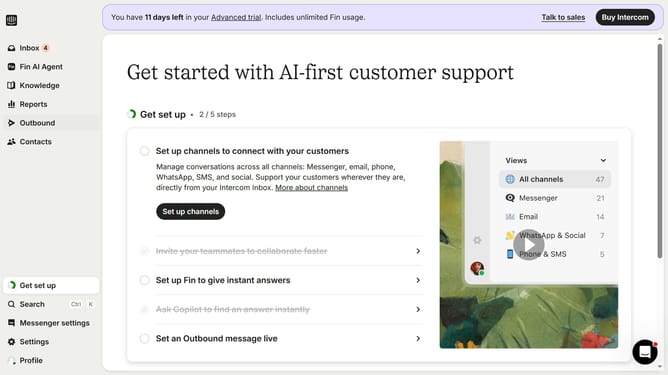
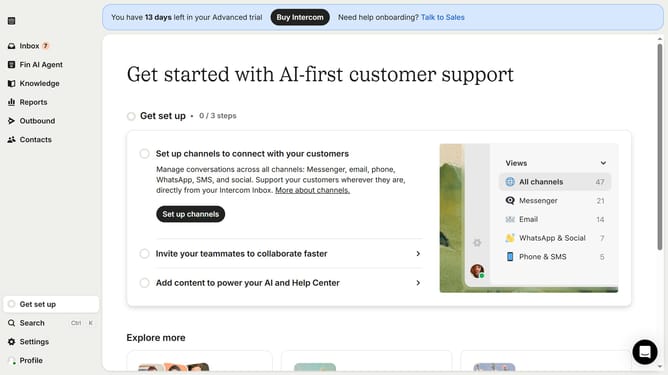
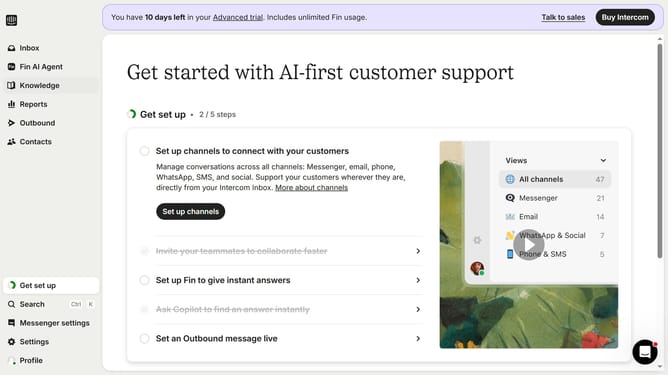
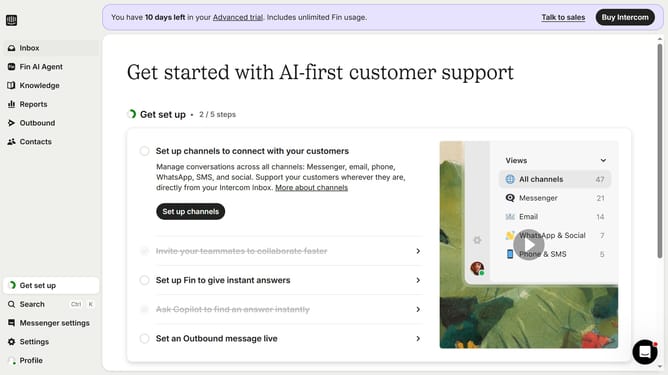
Here is how to change team inboxes assignment method on intercom
- First click on "Settings" in the left sidebar
- Then click on "Inbox" in the left sidebar
- Next click on "Team inboxes" in the left sidebar
- Then click on the team inbox that you want to manage
- Select "Round robin" assignment method by clicking on it
- Finally click on the "Save" button
Why should you change team inboxes assignment method on Intercom
Intercom is a versatile tool designed to enhance customer engagement and support through personalized communication.
One of the key features it offers is the ability to change your team inboxes' assignment method. This feature empowers teams to optimize workflow by customizing how conversations are distributed among team members.
Using this feature can lead to improved response times and ensures that each query is assigned to the most suitable team member, enhancing productivity and customer satisfaction.
Last update