How to set a security contact email in Intercom
Here is how to set a security contact email in intercom
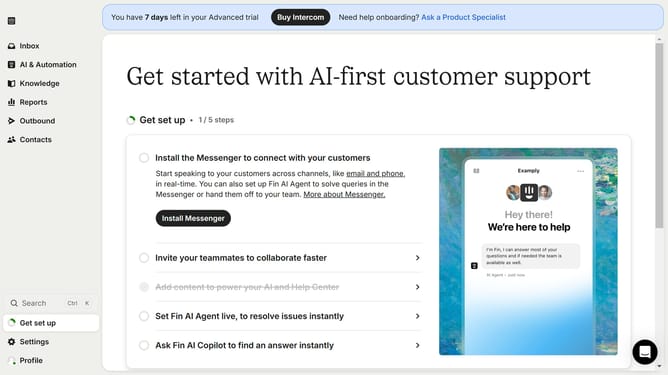
- First click on the "Settings" option in the left sidebar
- Then click on the "Workspace" section in the settings menu
- Next click on the "Security" option under the Workspace settings
- Then click on the security contact email textbox to enter contact information
- Finally click on the "Save" button to apply the security settings
Why should you set a security contact email in Intercom
Intercom is a leading platform designed to enhance customer communication effortlessly.
Setting a security contact email within Intercom ensures that you have a dedicated channel for receiving important security notifications and updates.
This feature fortifies your platform's security by ensuring that sensitive information reaches the right person promptly.
By maintaining a distinct security contact, businesses can swiftly address vulnerabilities and protect customer data more effectively.
Last update