How to format text in an email on Intercom
Here is how to format text in an email on intercom
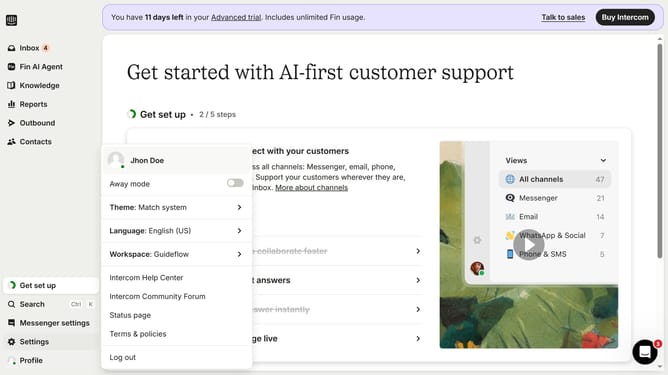
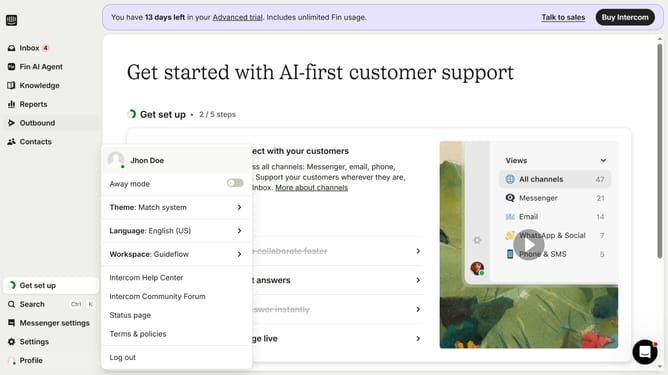
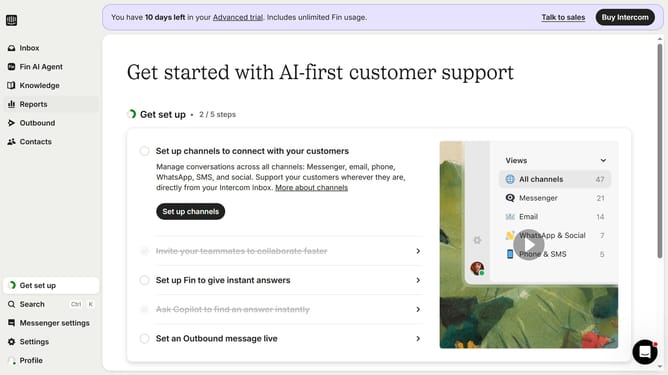
- First click on "Outbound" item in the left sidebar
- Then click on the message item in the messages list
- Next click on the "Edit" button in the top toolbar of the email panel
- Then click on the text area in the email editor canvas area
- Next configure the settings of the text in the left sidebar panel
- Finally click on "Save and close" button in the top toolbar
Why should you format text in an email on Intercom
Intercom is a leading platform designed to enhance customer communication and engagement through modern conversational experiences.
With Intercom's email text formatting capabilities, you can make your emails more captivating and easier to read. Enhanced formatting allows you to highlight key points, organize information, and enhance overall readability.
By effectively using these features, your communication becomes more impactful, helping you convey your message clearly and foster better relationships with your audience.
Last update