How to create a news message in Intercom
Here is how to create a news message in intercom
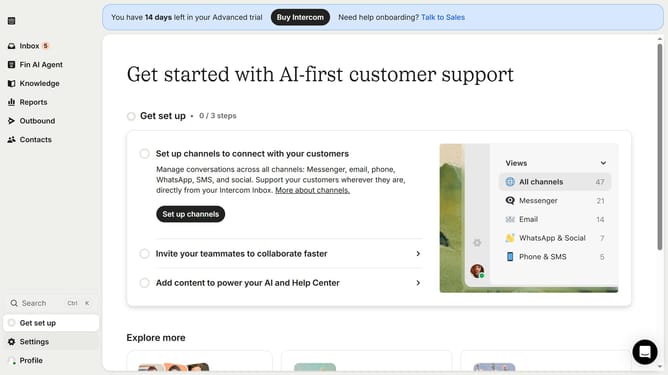
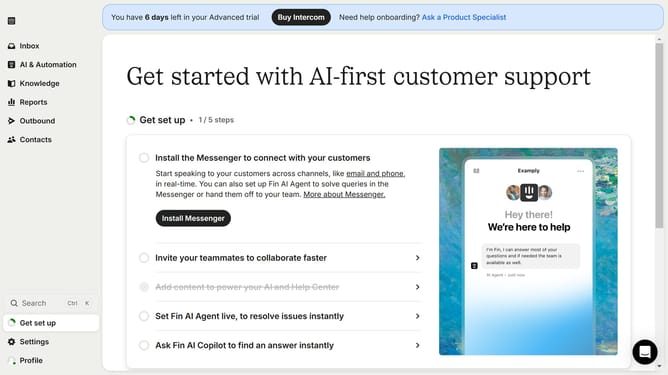
- First click on the "Outbound" option in the left sidebar navigation menu
- Then click on the "New message" button located in the top-right corner of the Messages page
- Finally click on the "News" template option in the template selection modal window
Why should you create a news message in Intercom
Intercom is a powerful customer communication platform designed to facilitate meaningful interactions with your users.
Creating a news message in Intercom is a feature that allows businesses to keep their customers informed about important updates and announcements.
This feature ensures that users are always up-to-date with your latest offerings and changes, strengthening customer engagement.
Using this feature enhances communication by delivering timely information directly to your audience, fostering trust and loyalty.
Last update