How to set post reply type on Intercom
Here is how to set post reply type on intercom
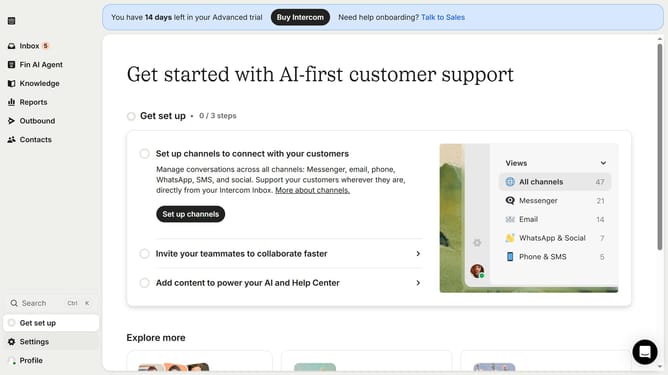
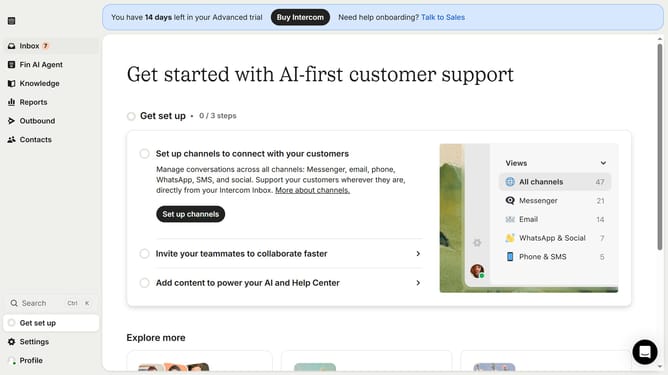
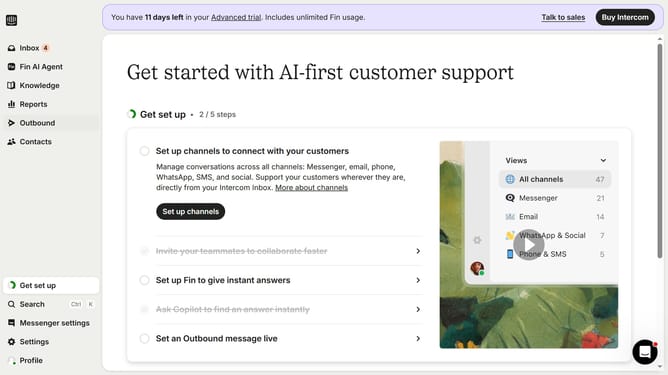
- First click on "Outbound" in the left sidebar menu
- Then click on Post Message in the main content area
- Then click on "Edit" button in the top right corner of the content area
- Then click on "Reaction" under "Reply type" section
- Finally click on "Save and close" button in the top right corner of the content area
Why should you set post reply type on Intercom
Intercom is a comprehensive communication platform that streamlines customer engagement and support.
With the ability to set post reply types, Intercom allows users to tailor their responses to fit different interaction needs, enhancing efficiency and personalization in communications.
This feature is particularly beneficial because it ensures that replies are contextually appropriate, whether you’re confirming, asking follow-up questions, or directing users to additional resources.
By efficiently categorizing responses, businesses can maintain a higher quality of customer interaction and improve user satisfaction.
Last update