How to delete user tags from a conversation on Intercom
Here is how to delete user tags from a conversation on intercom
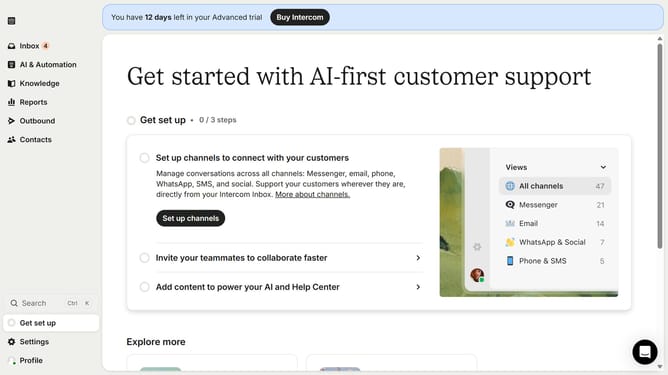
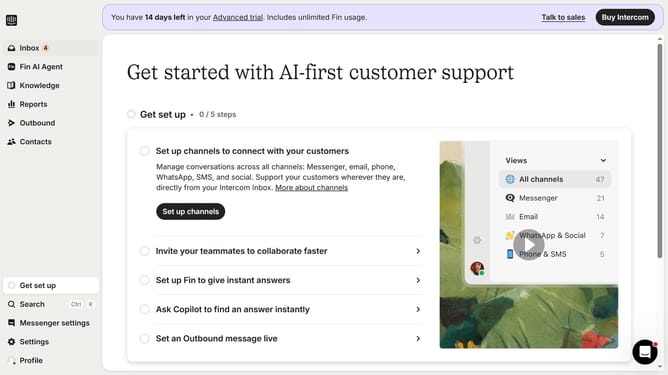
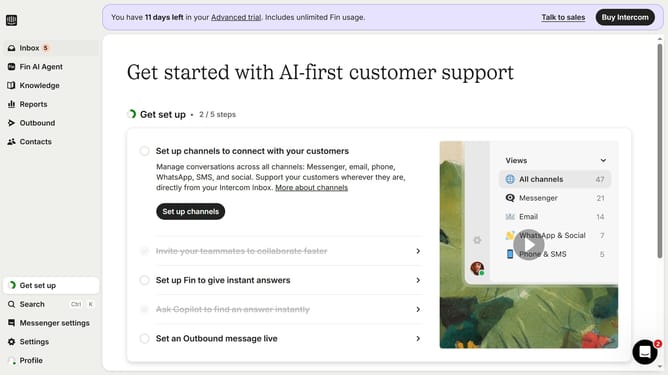
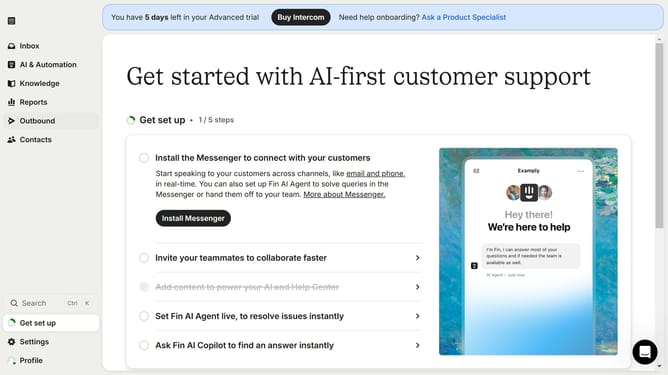
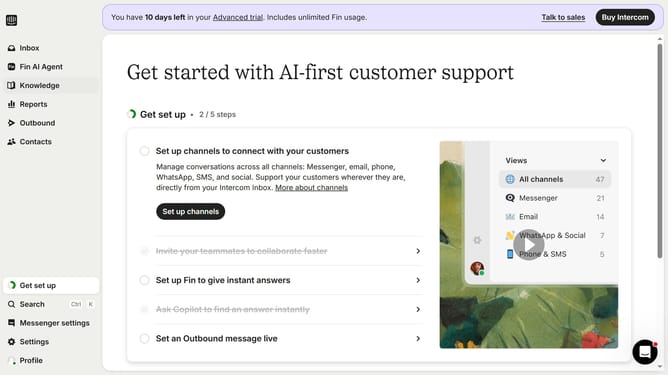
- First click on the "Inbox" item in the sidebar
- Then click on the message in the central panel
- Finally click on the "Remove" button to remove the tag
Why should you delete user tags from a conversation on Intercom
Intercom is a transformative communication platform designed to enhance customer engagement through meaningful interactions.
One standout feature is the ability to delete user tags from conversations. This offers the flexibility to adjust and manage customer data effectively.
Removing unnecessary tags can streamline your workflow, ensuring only relevant information is highlighted. This makes data analysis more efficient, empowering teams to focus on what truly matters.
By maintaining a clean and organized dialogue history, businesses can provide a more personalized and efficient customer support experience.
Last update