How to create a tooltip in Intercom
Here is how to create a tooltip in intercom
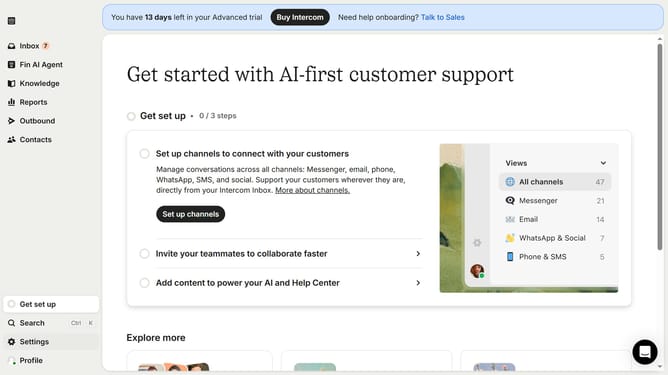
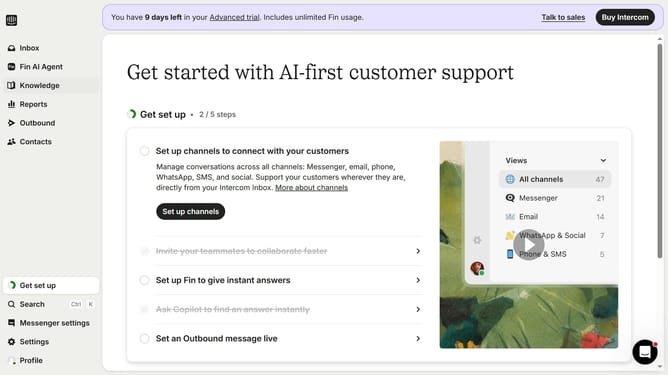
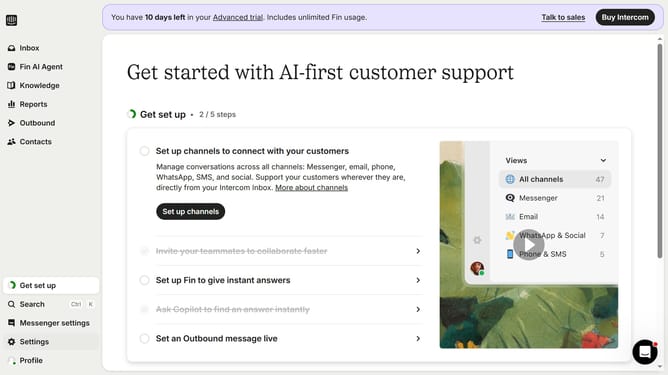
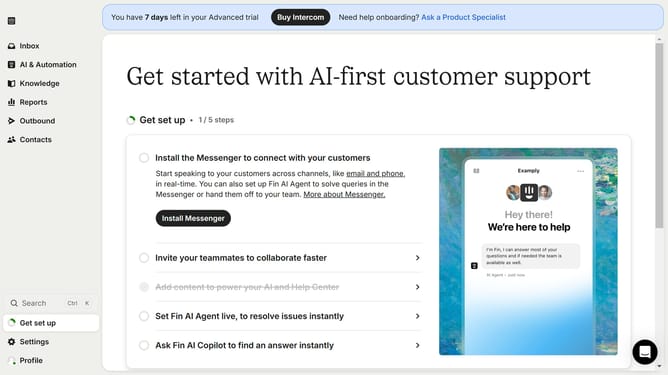
- First click on the "Outbound" option in the left sidebar navigation menu
- Then click on the "New message" button located in the top-right corner of the Messages page
- Finally click on the "Tooltip" template option in the template selection modal window
Why should you create a tooltip in Intercom
Intercom enhances customer communication by providing an integrated platform to engage and support users effectively.
Creating a tooltip in Intercom allows users to easily access helpful information without disrupting their workflow. This feature is particularly beneficial in providing quick, in-context guidance to improve user experience.
By strategically using tooltips, businesses can reduce support queries, enhance onboarding, and boost feature adoption. These brief, informative pop-ups empower users to navigate and utilize features with confidence and ease.
Last update