How to create a SMS on Intercom
Here is how to create a sms on intercom
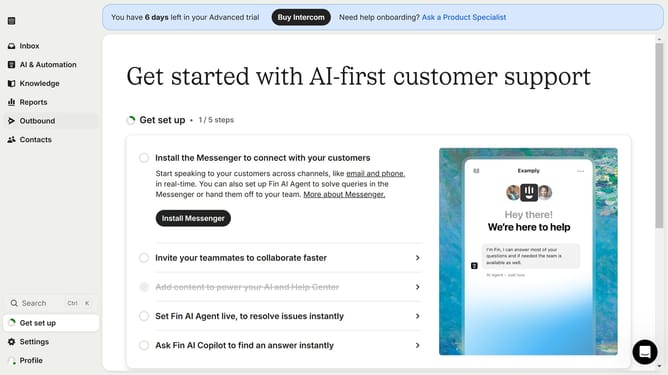
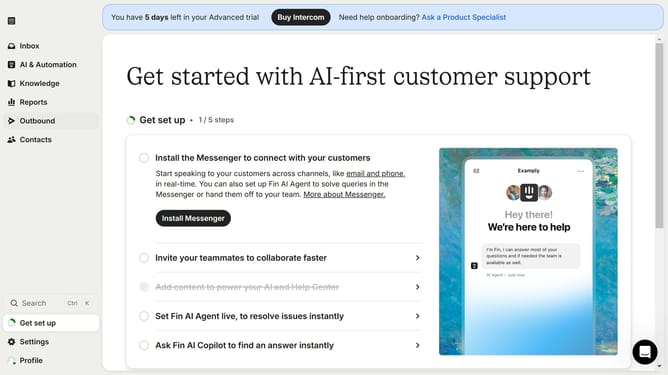
- First, click on the "Outbound" item in the left sidebar menu
- Then click on the "New message" button in the top-right corner of the Messages screen
- Next, select the "SMS" option from the template types menu on the left side of the Choose template dialog
- Finally, click on the "SMS" template type under the Start from scratch section
Why should you create a SMS on Intercom
Intercom is a versatile platform designed to enhance customer communication and engagement.
Creating an SMS on Intercom streamlines how businesses interact with their clients, providing a direct and effective communication channel.
Using SMS features keeps your audience engaged and informed, ensuring important messages reach them instantly.
This feature is beneficial for businesses looking to maintain strong relationships with their customers through personalized, real-time interactions.
Last update