How to save an internal article on Intercom
Here is how to save an internal article on intercom
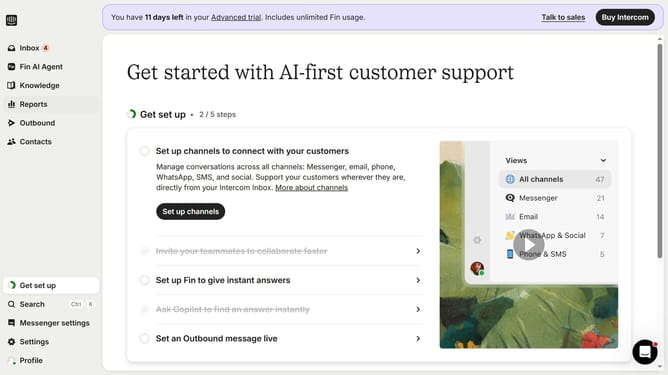
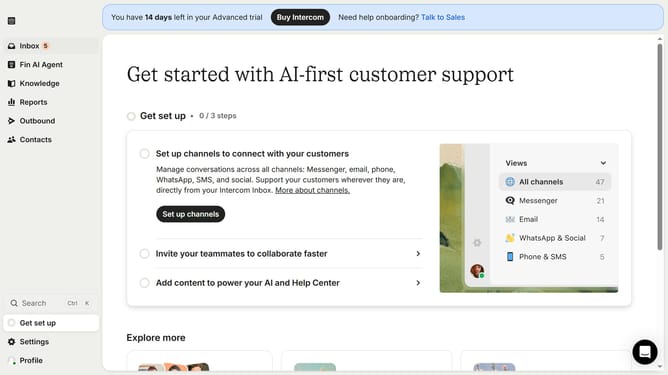
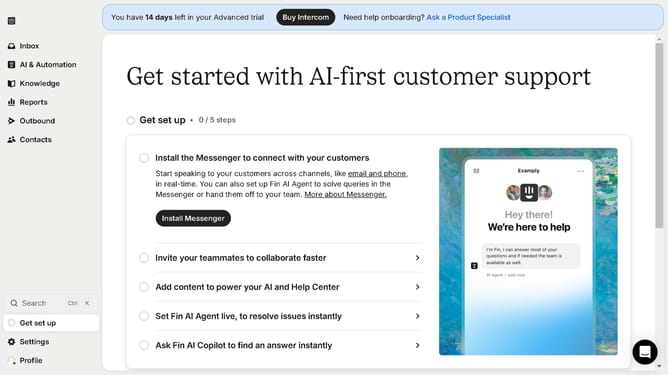
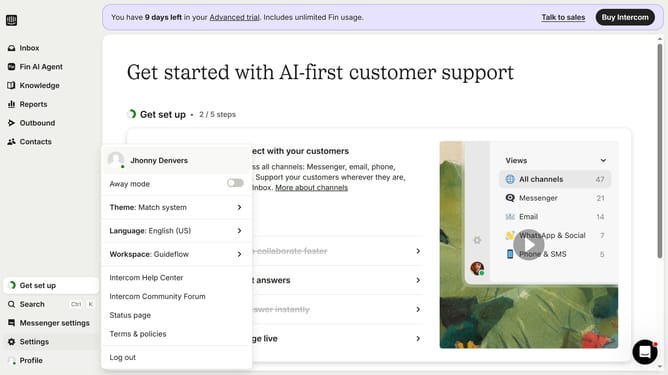
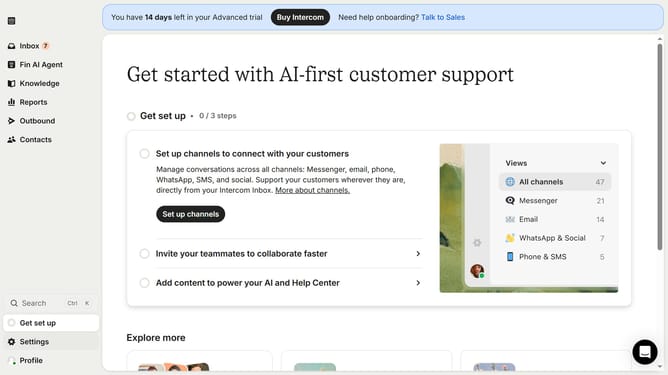
- First click on the "Knowledge" section in the left sidebar
- Then click on the "Internal Article" item in the content list
- Next click on the "Edit" button in the top toolbar
- Finally click on the "Save" button in the top-right corner
Why should you save an internal article on Intercom
Intercom is a dynamic platform designed to empower businesses by enhancing customer communication.
Saving an internal article on Intercom is a seamless process that boosts team collaboration. By centralizing knowledge, teams have instant access to vital information, fostering efficient communication. This feature ensures that important insights are retained within the company, readily available to enhance workflow and decision-making.
The ability to save internal articles aids in maintaining a consistent knowledge base, providing long-term benefits like increased productivity and faster onboarding. It truly transforms the way teams leverage information for success.
Last update