How to delete an article on Intercom
Here is how to delete an article on intercom
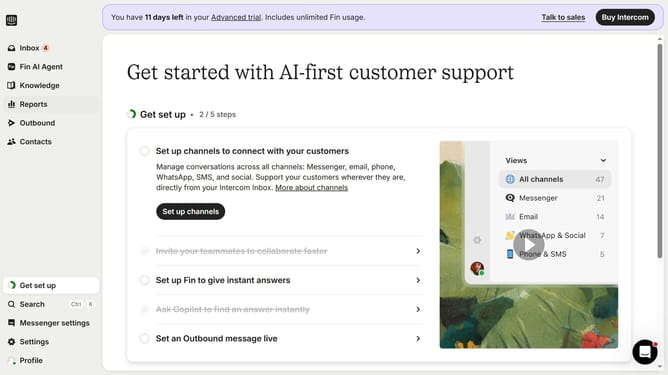
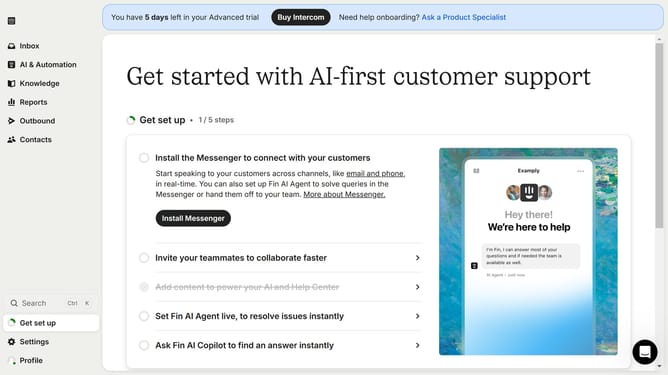
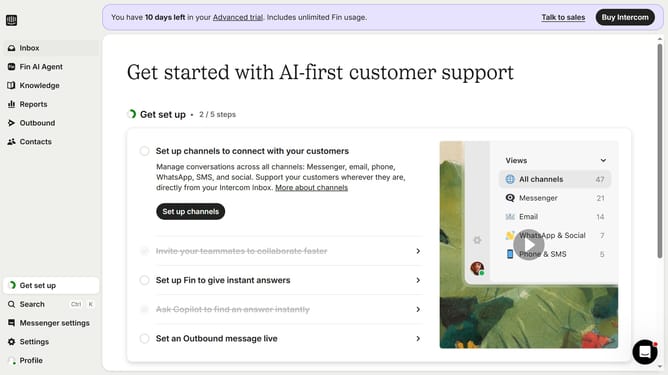
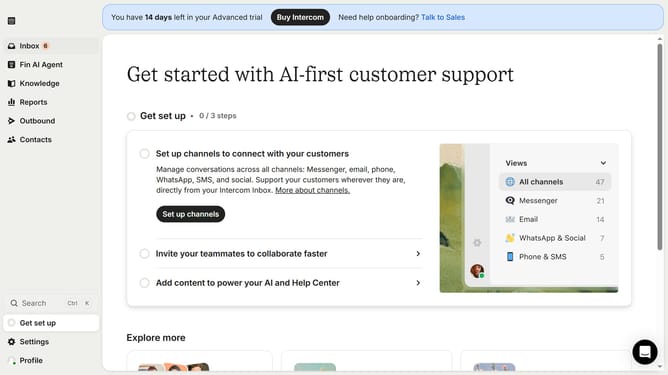
- First click on the "Knowledge" item in the left sidebar menu
- In the content list view click on the article title
- Click on the "Delete" icon in the top toolbar of the article view
- Finally click the "Delete" button in the confirmation dialog
Why should you delete an article on Intercom
Intercom is a powerful customer messaging platform designed to enhance communication and improve user engagement.
One of its handy features is the ability to efficiently manage help articles, including deleting outdated or redundant content with ease.
This feature ensures your knowledge base remains current and relevant, providing users with accurate and useful information.
By keeping your articles up-to-date, you enhance the user experience, fostering trust and reliability in your brand.
Last update