How to create a WhatsApp message in Intercom
Here is how to create a whatsapp message in intercom
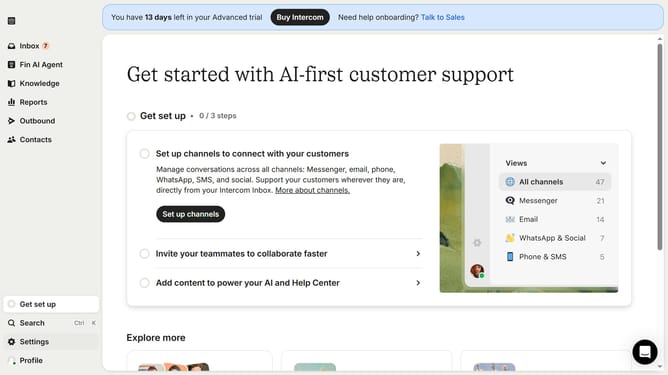
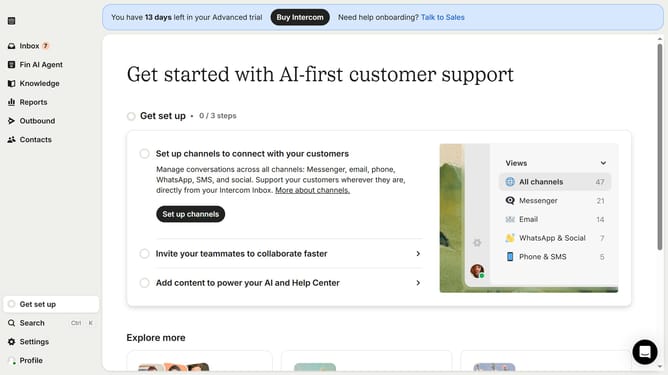
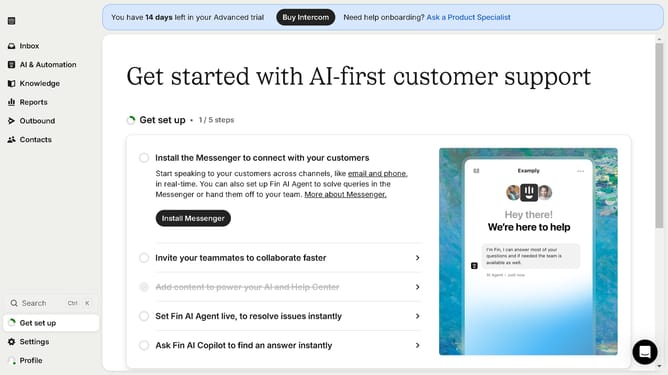
- First click on the "Outbound" option in the left sidebar navigation menu
- Then click on the "New message" button located in the top-right corner of the Messages page
- Finally click on the "News" template option in the template selection modal window
Why should you create a WhatsApp message in Intercom
Intercom is a powerful platform designed to enhance customer communication and engagement.
Creating a WhatsApp message in Intercom streamlines communication by integrating this popular messaging app directly into your workflow.
This feature allows for seamless dialogue with customers where they're most active, making interactions more efficient and personal.
Benefits include increased responsiveness, improved customer satisfaction, and greater reach, all from within a single integrated interface.
Last update