How to add a person to a workflow in Intercom
Here is how to add a person to a workflow in intercom
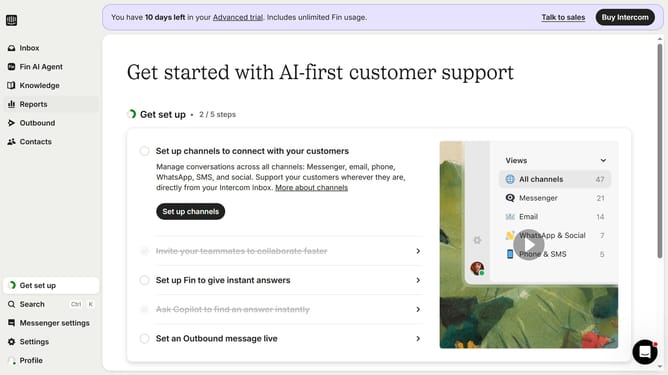
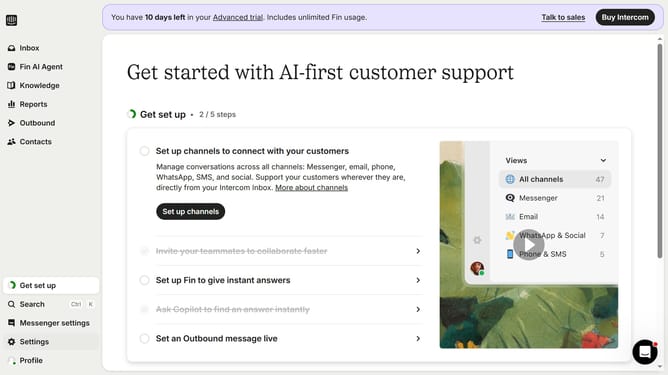
- First click on "AI & Automation" in the left sidebar menu
- Then click on "Workflows" in the left sidebar submenu
- Next click on workflow item in the workflows list
- Then click on "Add step" button in the workflow editor
- Click on the "Search" field in the top menu of the workflow editor
- Finally click on "Tag person" action in the Add action dropdown menu
Why should you add a person to a workflow in Intercom
Intercom is a versatile communication platform designed to enhance customer engagement and support.
Adding a person to a workflow in Intercom streamlines communication by ensuring that individuals are seamlessly integrated into automated processes. This feature enhances efficiency, allowing teams to provide timely responses and personalized interactions.
By incorporating individuals into workflows, businesses can better manage customer journeys, automate follow-ups, and deliver exceptional experiences, ultimately boosting customer satisfaction and retention.
Last update