How to set a custom session length in intercom
Here is how to set a custom session length in intercom
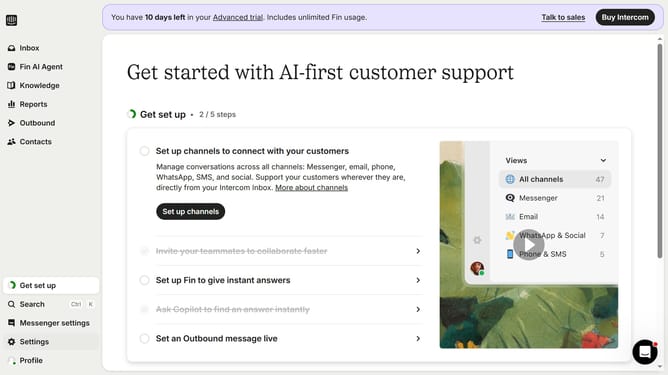
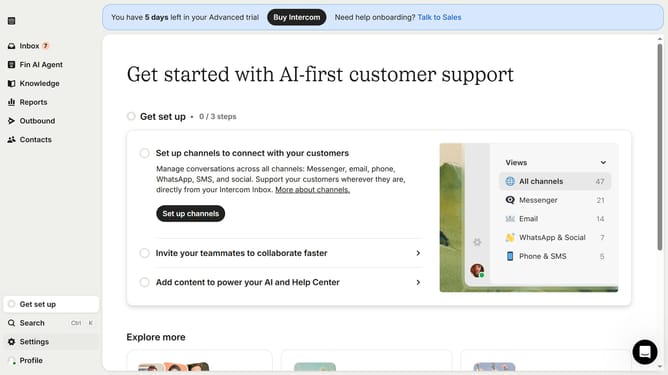
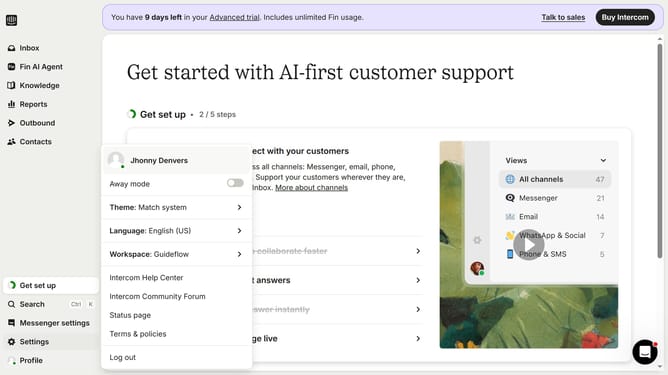
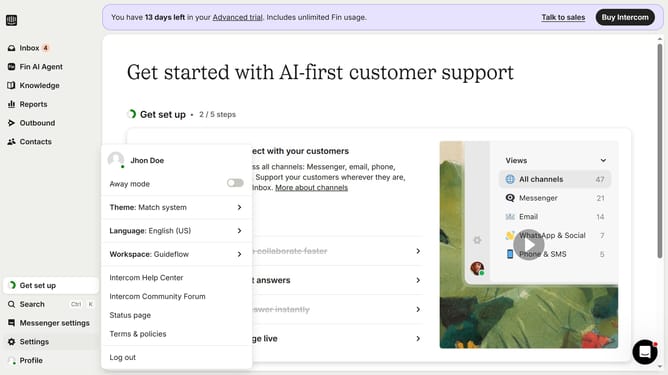
- First click on "Settings" in the left sidebar menu
- Then click on "Workspace" in the settings menu
- Next click on "Security" in the workspace submenu
- Click on the toggle switch for "Force teammates to re-authenticate after a set period of time"
- Click on the session length dropdown menu
- Choose the desired custom session duration from the dropdown options
- Finally click the "Save" button to apply the security settings changes
Why should you set a custom session length in intercom
Intercom is an innovative messaging platform designed to streamline and enhance customer interactions.
A standout feature is the ability to set a custom session length, which enables businesses to tailor customer experience to their specific needs.
By adjusting session lengths, companies can gain deeper insights into customer behavior, ensuring more personalized interactions and improved engagement.
This flexibility not only optimizes user experience but also increases the efficiency of support teams, leading to happier customers and streamlined operations.
Last update