How to add tag to a post message on Intercom
Here is how to add tag to a post message on intercom
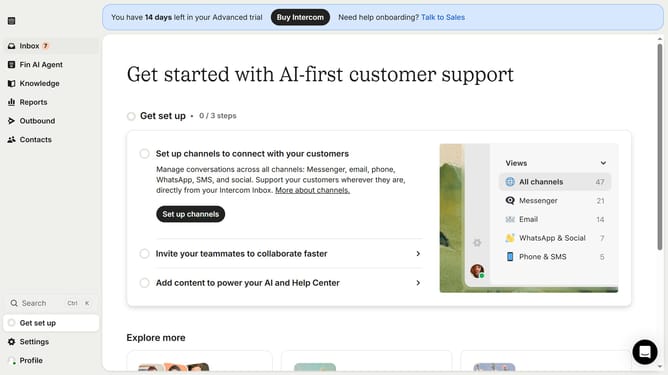
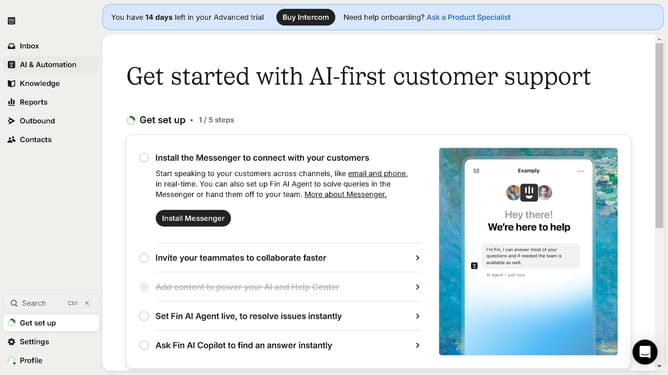
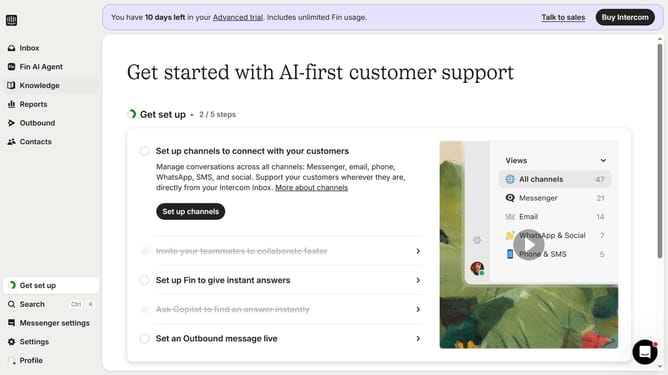
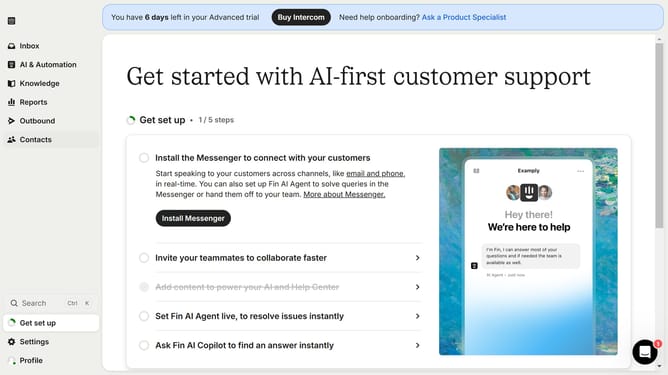
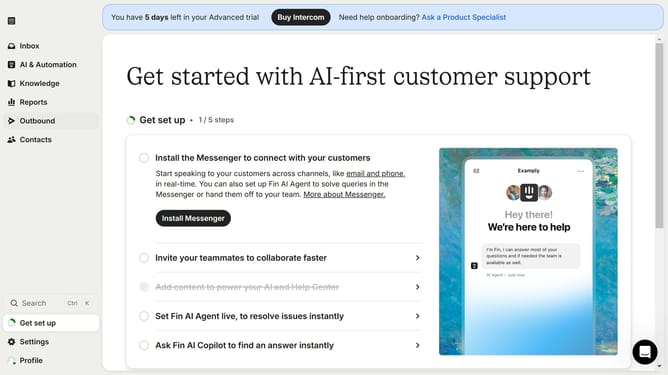
- First click on "Outbound" in the sidebar
- Then click on the checkbox next to the post that you want to manage
- Next, click on the "Tag" button
- Then select your preferred tag
- Finally, click on the "Save" button
Why should you add tag to a post message on Intercom
Intercom is a versatile tool designed to enhance communication between businesses and their customers.
Adding a tag to a post message on Intercom is fundamental for organizing interactions effectively. This feature allows you to label conversations, making it easier to keep track of topics and categorize issues swiftly.
Using tags not only streamlines communication but also enhances response efficiency, enabling teams to address customer needs promptly. This method of labeling and organizing messages significantly boosts team productivity and improves the overall customer experience.
Last update