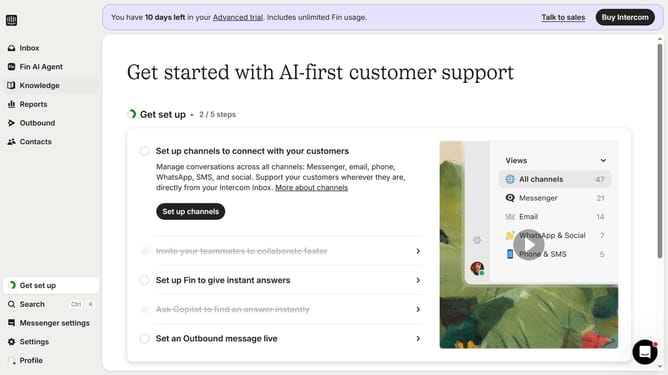
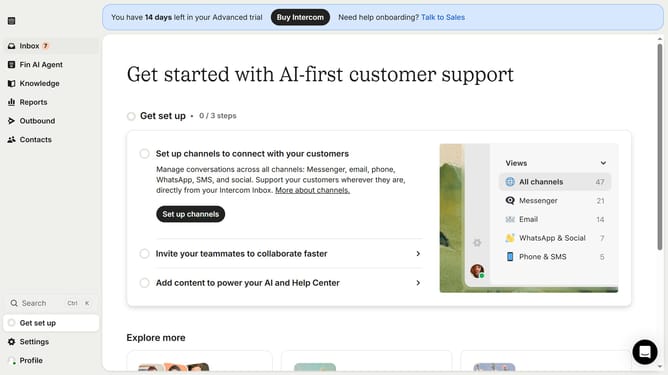
How add signature for email autoreply in Intercom
Here is how add signature for email autoreply in intercom
- First click on "Settings" item in the left sidebar
- Then click on "Channels" item in the left sidebar
- Then click on "Email" item in the left sidebar
- Then click on "Email settings" tab
- Then click on "Configure auto reply" link
- Then type your signature in the email body area
- Finally click on "Save changes" button
Why should you How add signature for email autoreply in Intercom
Intercom is a dynamic platform designed to streamline communication and enhance customer engagement through personalized and automated interactions.
Adding a signature to your email autoreply in Intercom elevates your brand presence with a personal touch, fostering trust and consistency in automated communications.
This feature ensures every email retains your professional identity, reinforcing brand recognition and establishing a reliable connection with customers.
Ultimately, it underscores your commitment to personalized service even in automated interactions.
Last update