How to archive conversation tags on Intercom
Here is how to archive conversation tags on intercom
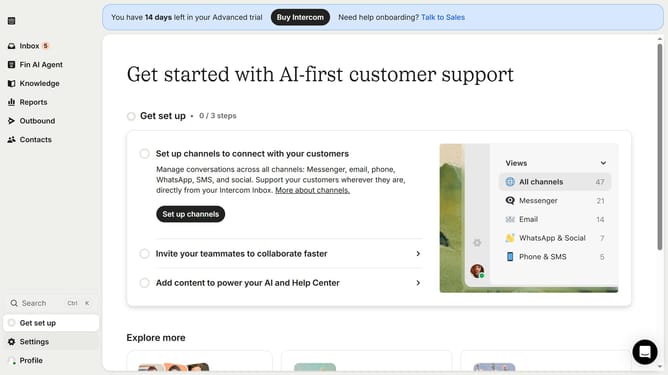
- First click on "Settings" item in the left sidebar
- Then click on "Data" item in the left sidebar
- Then click on "Tags" item in the left sidebar
- Then click on "Archive" button
- Finally click on "Archive" button
Why should you archive conversation tags on Intercom
Intercom is a powerful customer communications platform designed to enhance user interactions.
One notable feature is the ability to archive conversation tags, which streamlines customer support operations by decluttering your workspace.
Archiving conversation tags helps maintain an organized system, ensuring that your team can focus on current priorities without distraction. This feature strengthens productivity by keeping your workspace neat and accessible. Embracing archiving optimizes your team's workflow and enhances the quality of customer engagement.
Last update