How to duplicate a post message on Intercom
Here is how to duplicate a post message on intercom
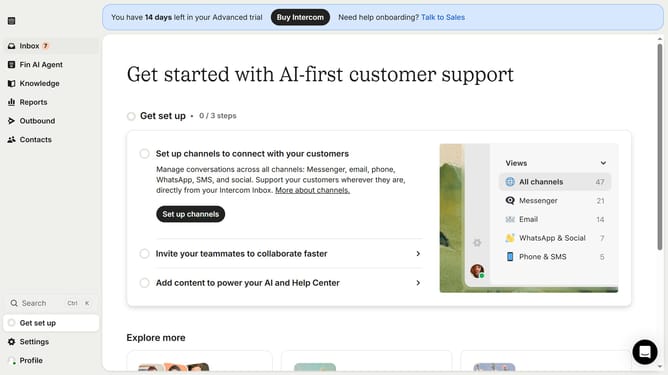
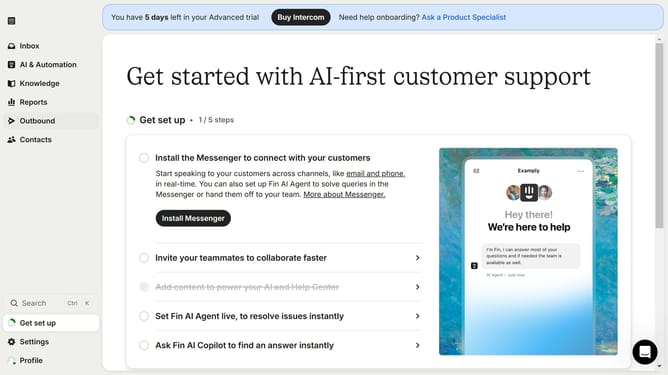
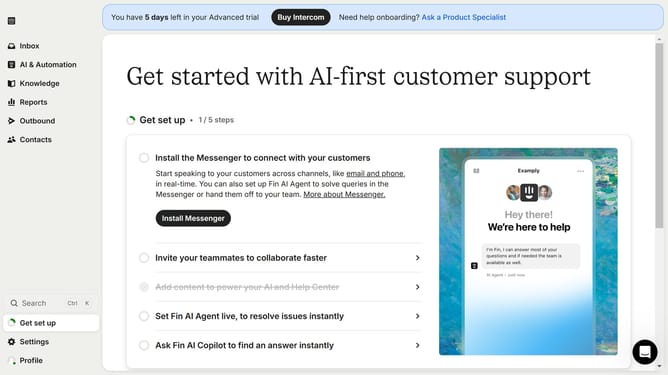
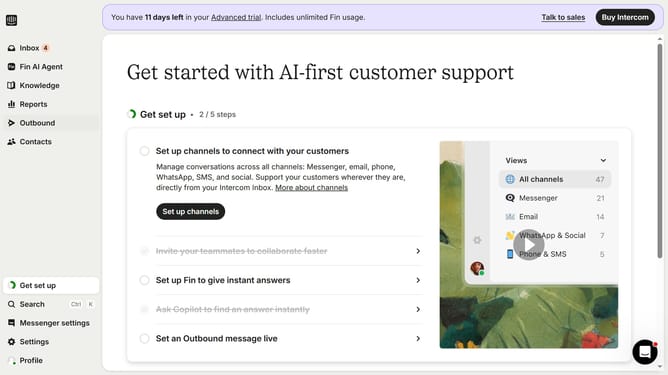
- First click on the "Outbound" link in the left sidebar
- Then click on the post message link in the main content area
- Then click on the "More" dropdown menu
- Then click on the "Duplicate" option from the dropdown menu
- Finally, click on the "Post" button in the 'What do you want to create?' modal
Why should you duplicate a post message on Intercom
Intercom is a powerful platform that bridges communication between businesses and their customers.
Duplicating a post message on Intercom streamlines your workflow, allowing you to easily reuse successful templates.
This feature saves time by eliminating the need to create new messages from scratch, ensuring consistency in communication.
By leveraging this, teams can quickly iterate on previous messages, keeping engagement fresh while maintaining brand integrity.
Last update