How to allow attachments for users and leads in Intercom
Here is how to allow attachments for users and leads in intercom
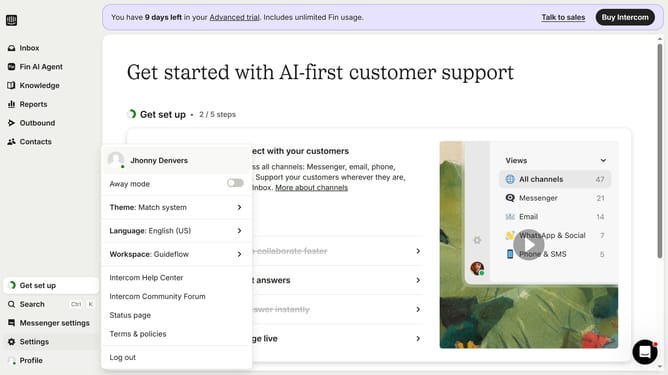
- First click on "Settings" in the left sidebar menu
- Then click on "Workspace" option in the settings menu
- Next click on "Security" item in the workspace submenu
- Then click on "Receiving attachments" option in the security settings
- Next toggle the "Allow leads and users to send attachments" switch
- Finally click on "Save" button at the bottom of the attachments settings form
Why should you allow attachments for users and leads in Intercom
Intercom is a powerful customer engagement platform that transforms the way businesses communicate with their users.
Enabling attachments in Intercom allows users and leads to share files directly within the conversation, enhancing the communication flow.
This feature not only speeds up the resolution time by providing the necessary context upfront but also builds trust and transparency.
By allowing attachments, businesses can address customer needs more effectively, leading to increased satisfaction and loyalty.
Last update