How to duplicate a customer ticket type in Intercom
Here is how to duplicate a customer ticket type in intercom
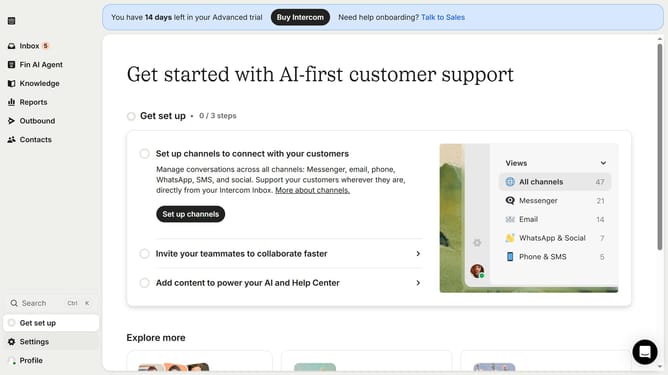
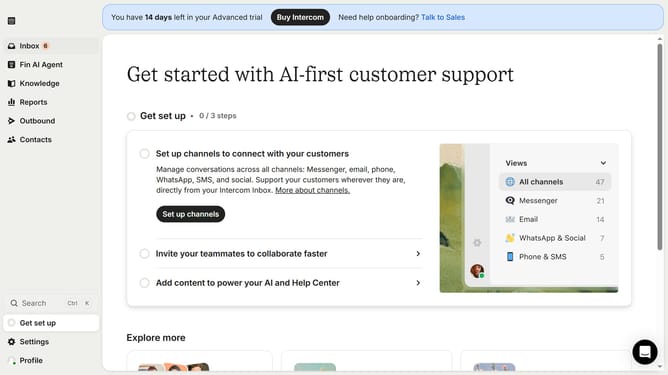
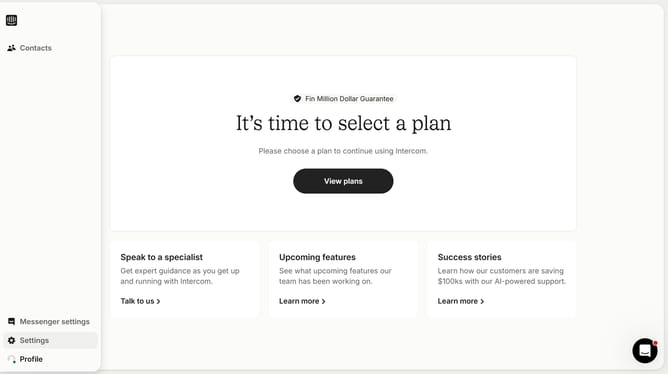
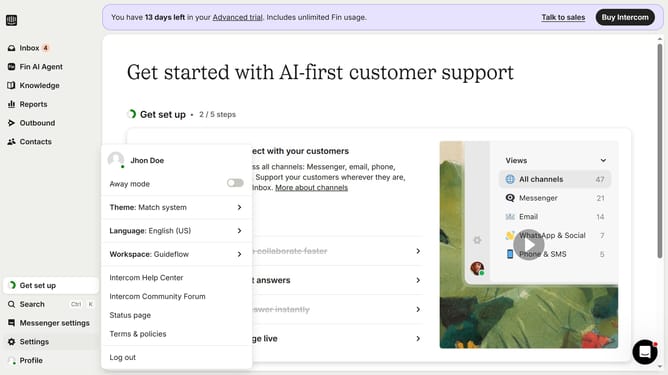
- First click on the "Settings" item in the left sidebar
- Then click on the "Inbox" option in the settings menu
- Next click on the "Tickets" item under the Inbox section
- Then click on the "Edit" button in the ticket types list
- Next click on the "Duplicate ticket type" button in the top right corner
- Finally click on the "Duplicate" button in the confirmation dialog
Why should you duplicate a customer ticket type in Intercom
Intercom is a versatile customer communication platform designed to enhance and streamline customer interactions.
The ability to duplicate a customer ticket type in Intercom is a valuable feature that simplifies and optimizes workflow management. By allowing easy replication of existing ticket types, teams can ensure consistency and efficiency in handling similar queries or issues.
This functionality not only saves time but also maintains a uniform approach across various customer interactions, leading to improved productivity and customer satisfaction.
Last update