How to change a time entry description in Toggl
Here is how to change a time entry description in toggl
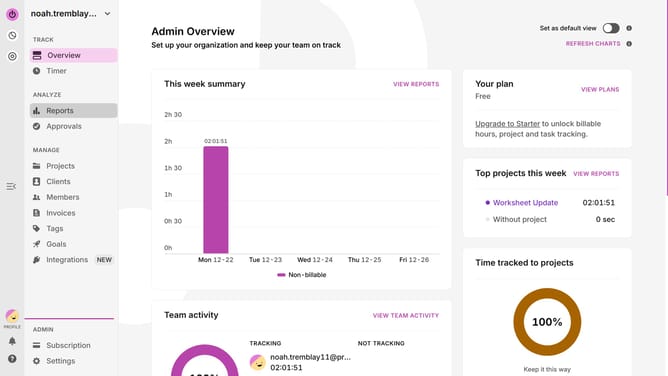
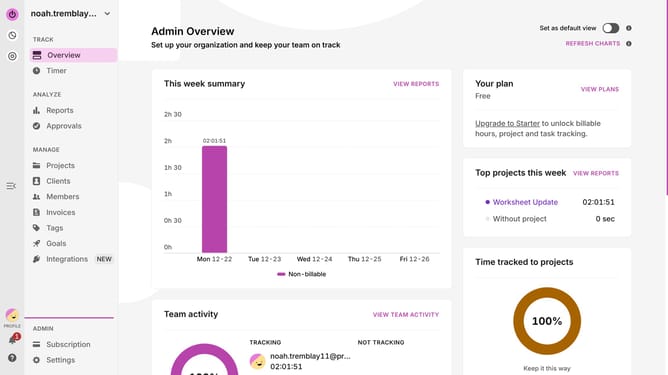
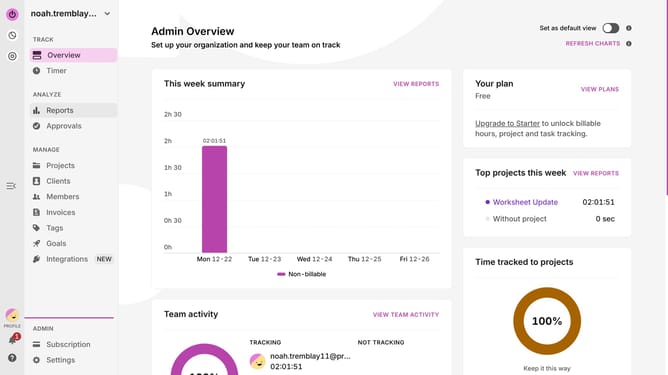
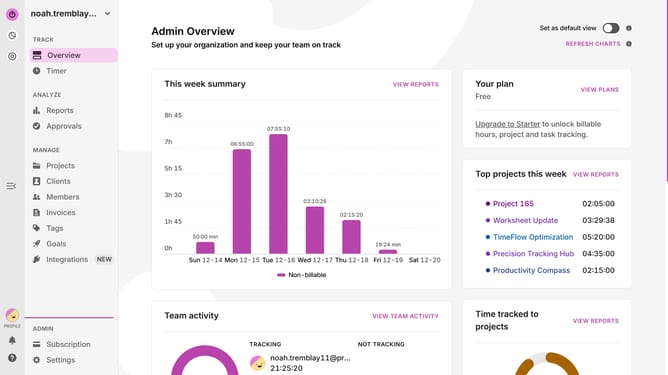
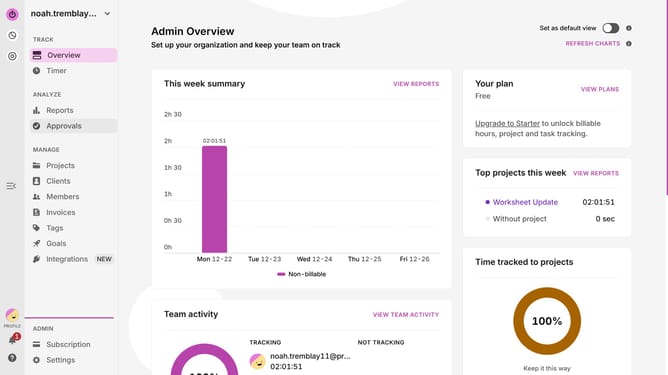
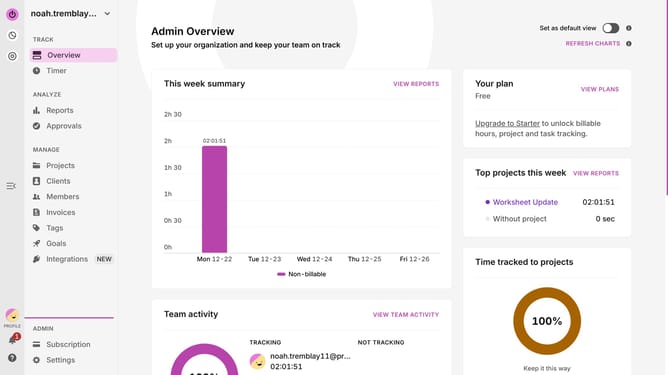
- First click on the "Timer" in the left sidebar under the TRACK section
- Then click the time entry you want to update
- Edit the description field
- Finally click on the "Save" button to save the changes
Why should you change a time entry description in Toggl
Toggl is a powerful time-tracking tool designed to help individuals and teams maximize productivity.
One of its standout features is the ability to change a time entry description effortlessly. This feature ensures that all logged time entries are accurately described, keeping your records organized and precise.
Updating these descriptions allows users to provide specific details about tasks undertaken, thus ensuring better project tracking and facilitating insightful assessments of time spent on various activities.
Utilizing this feature enhances clarity and ensures efficient time management, ultimately streamlining workflow and increasing productivity.
Last update