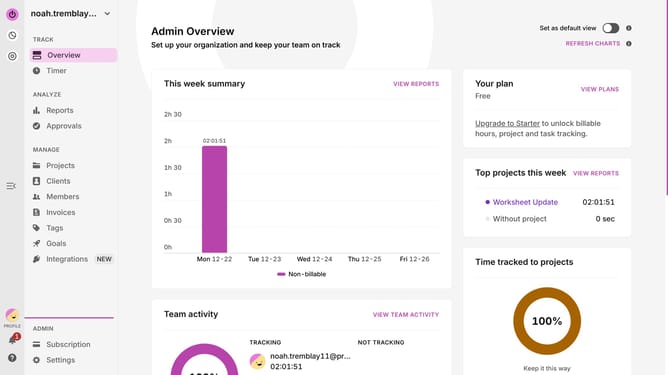
How to use project colors in Toggl
Here is how to use project colors in toggl
- First click on "Projects"
- Then click the project name in the projects list
- Next click on "Edit Project" button in the top right corner of the page
- Click on the project color selector icon to open the color picker palette
- Select a color for the project
- Finally click on "Save" button to save the project changes
Why should you use project colors in Toggl
Toggl is an intuitive time tracking tool designed to enhance productivity and efficiency.
One of its standout features is the ability to use project colors, which adds a layer of visual organization that's both practical and aesthetically pleasing.
Assigning specific colors to projects allows team members to quickly identify and differentiate between them, streamlining workflow and reducing confusion.
Using project colors in Toggl not only boosts organization but also elevates team collaboration by making task management simpler and more visually engaging.
Last update