How to rename a project in Toggl
Here is how to rename a project in toggl
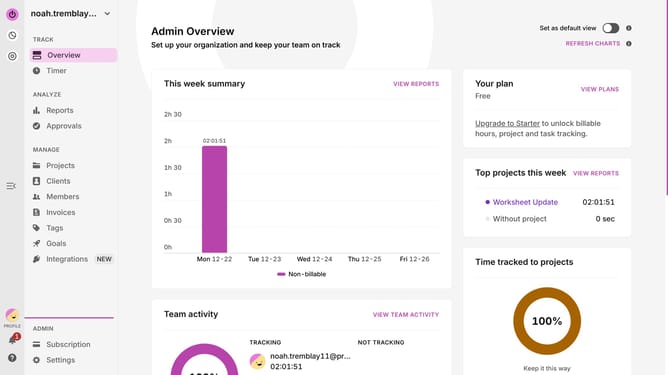
- First click on "Projects" from the main menu
- Then click the three-dot menu button on the project you want to rename
- Next click on "Edit project" option from the dropdown menu
- Then update the project name field
- Finally click on the "Save" button to save the changes
Why should you rename a project in Toggl
Toggl is a leading time-tracking tool designed to boost productivity and streamline workflow management.
Renaming a project in Toggl is a straightforward feature that enhances organizational clarity and efficiency. By offering users the ability to update project names effortlessly, Toggl ensures that project tracking remains accurate and reflective of any evolving business goals or changes.
This feature is essential for maintaining accurate records, ensuring stakeholders are on the same page, and preventing any confusion that might arise from outdated project names, ultimately contributing to a more seamless workflow.
Last update