How to restore archived projects in Toggl
Here is how to restore archived projects in toggl
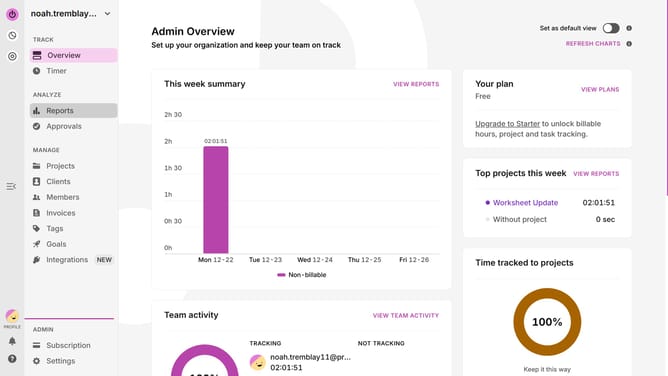
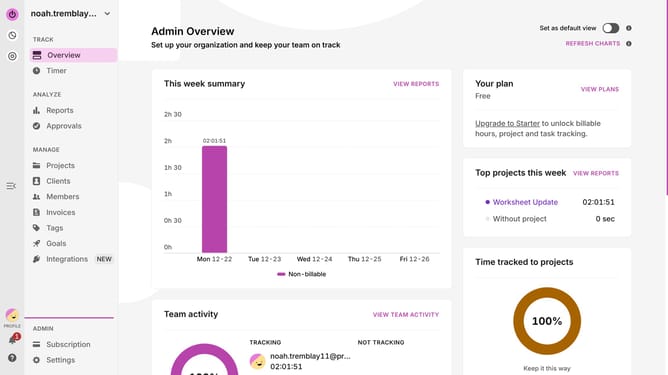
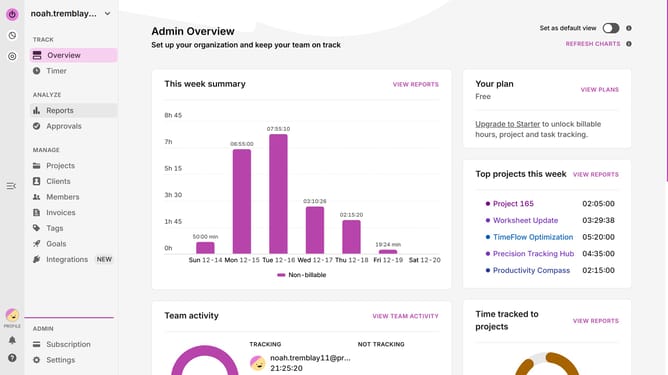
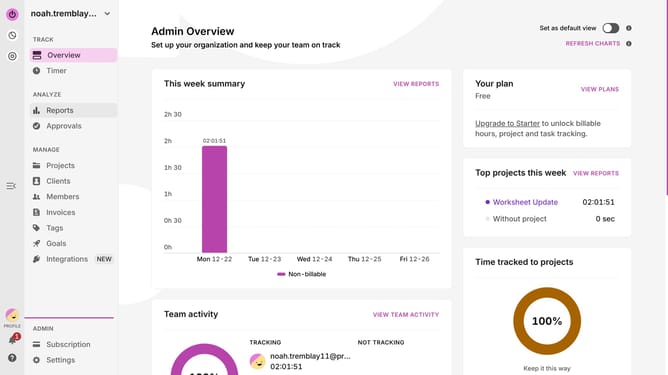
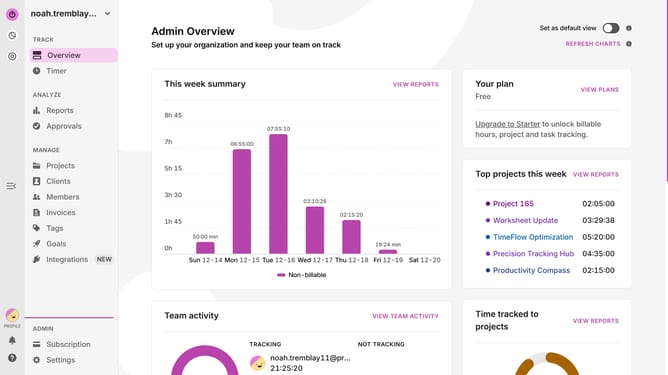
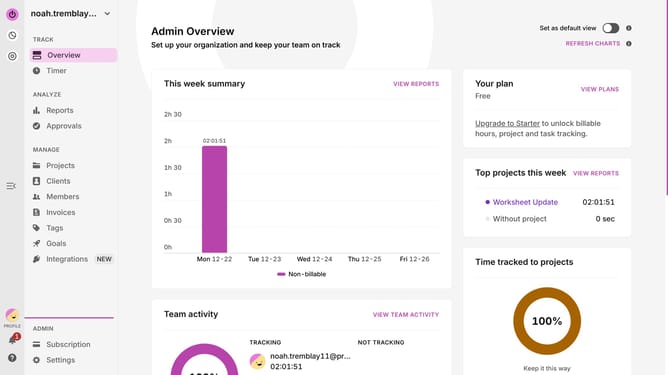
- First click on "Projects" in the left sidebar under the MANAGE section
- Then click on the "Show All" dropdown filter button
- Next click on the "Archived" checkbox option in the dropdown menu
- Then click on the "Show All" button again to close the menu
- Next click on the three-dot menu of the project you want to restore
- Finally click on "Restore". Confirm the project appears back in your active projects list
Why should you restore archived projects in Toggl
Toggl is a seamless time-tracking tool designed to enhance productivity and efficiency.
The feature of restoring archived projects in Toggl allows users to effortlessly revisit and reintegrate past work. This capability provides the flexibility to revive projects that may have previously been set aside, ensuring that no effort is ever truly lost.
Restoring archived projects aids in preserving valuable insights and data, which can be crucial for ongoing tasks or future initiatives. It provides a streamlined process to access historical project details, fostering informed decision-making and continuity in workflow.
Ultimately, this feature encourages adaptability and resourcefulness, empowering teams to seamlessly pivot as needed, maximizing the utility of all undertaken projects.