How to add a project in Toggl
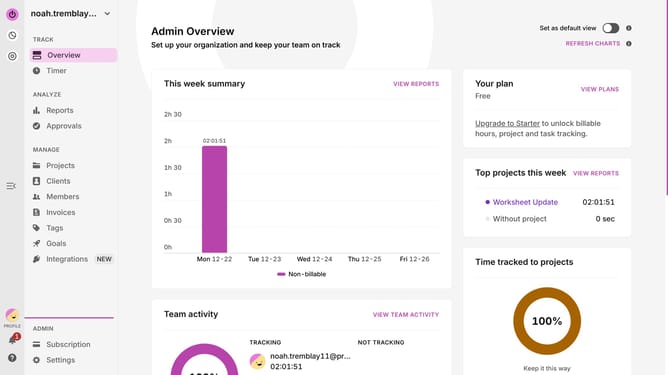
Here is how to add a project in toggl
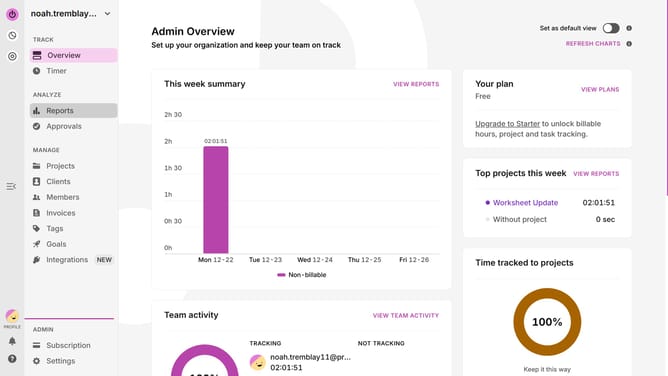
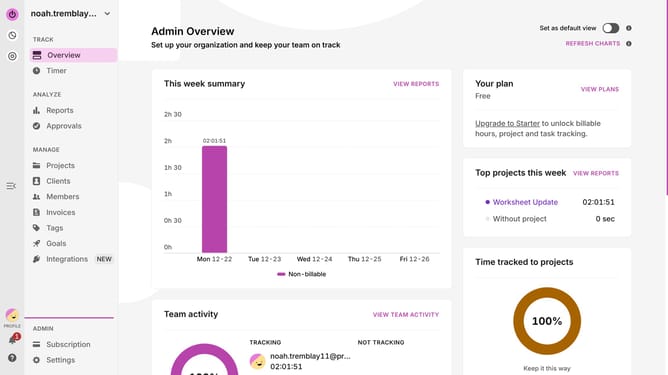
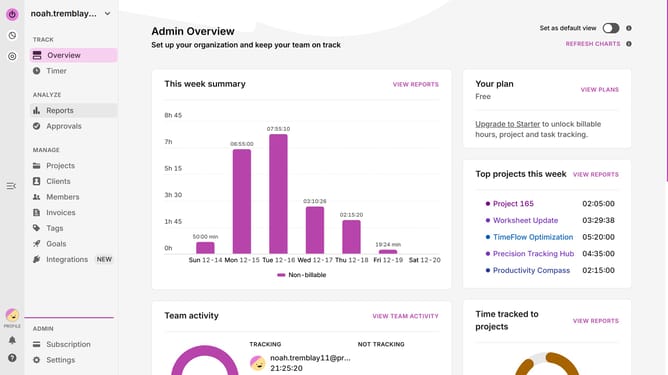
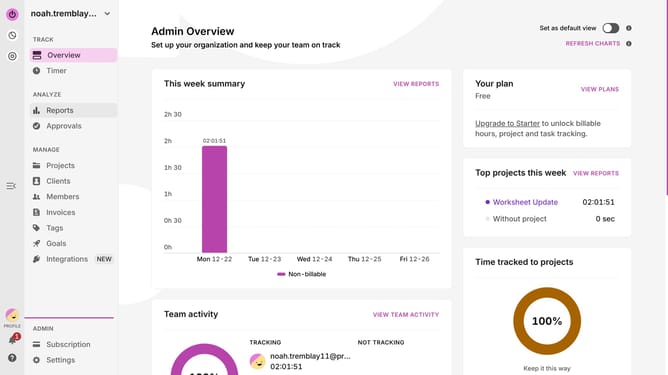
- First click on "Projects" from the main menu
- Then click on "New project" button in the top right corner of the page
- Then click on the "Project name" input field and enter the project name
- Finally click on "Create project" button at the bottom of the dialog
Why should you add a project in Toggl
Toggl is a versatile time-tracking tool designed to boost productivity by organizing and streamlining your workflow.
One of its standout features is the ability to easily add projects, which serves as the cornerstone for efficient time management. By categorizing tasks into specific projects, users can gain clarity and focus.
Adding a project in Toggl not only helps prioritize work but also aids in tracking time spent per project, leading to better project management and insightful reporting.
This organization ultimately empowers users to allocate resources wisely and meet deadlines with ease.
Last update