How to resume a previous time entry in Toggl
Here is how to resume a previous time entry in toggl
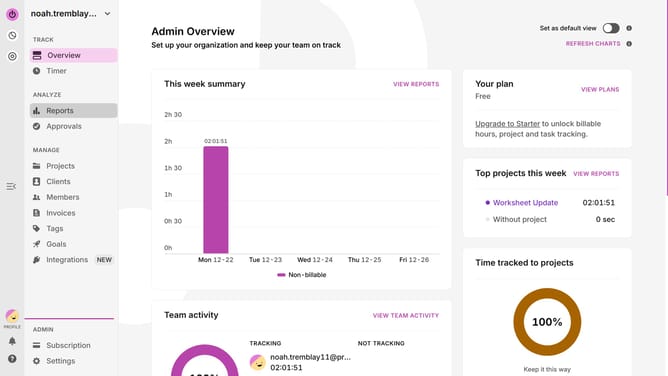
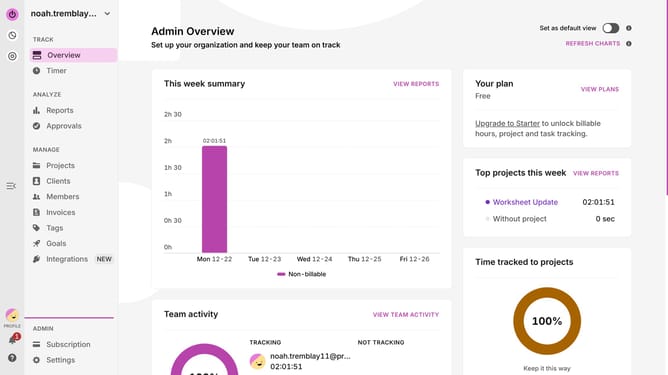
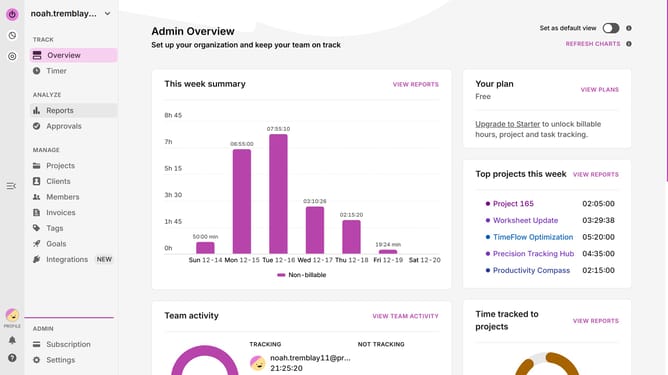
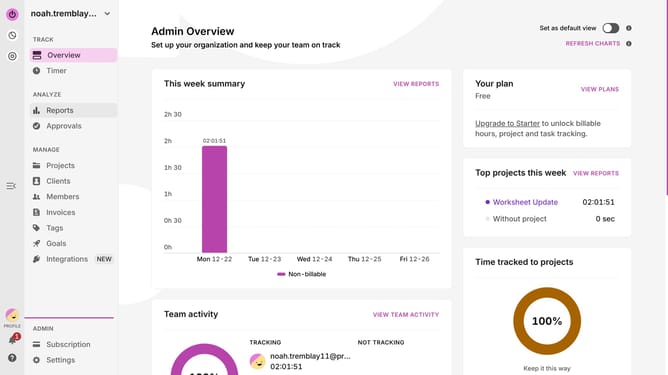
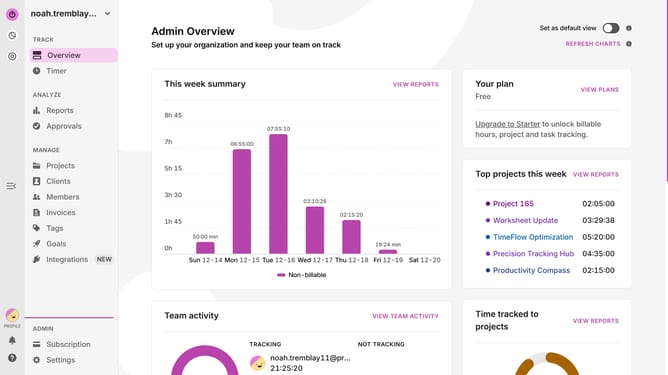
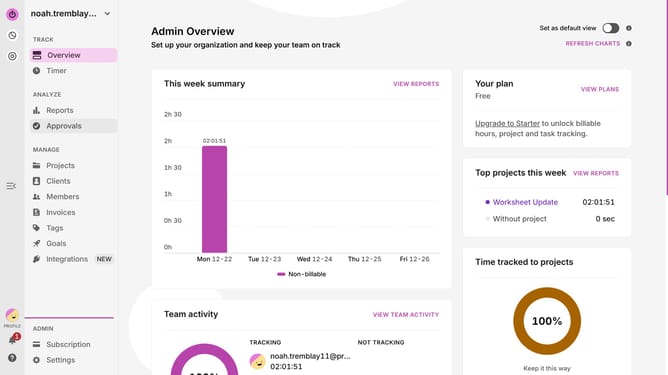
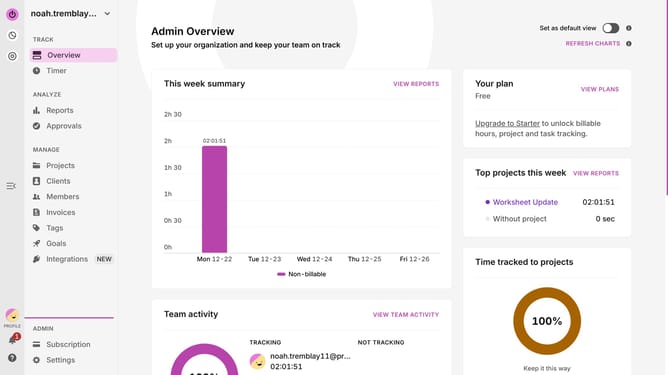
- Navigate to the left sidebar and click on the "Timer" under the TRACK section
- Next, select the calendar event you wish to resume
- Then, click on the Play icon (the timer starts with the same description, project, and tags)
- Continue working for the task
- Finally, click on the stop icon in the top right corner when you’re done tracking time again
Why should you resume a previous time entry in Toggl
Toggl is a powerful time-tracking tool designed to increase productivity and streamline work processes.
One standout feature of Toggl is the ability to resume a previous time entry effortlessly. This means you can pick up right where you left off, without any hassle, ensuring you remain focused on the task at hand.
By resuming previous entries, you reduce the clutter of multiple partial entries and maintain a coherent log of your activities. This not only improves accuracy in tracking but also saves time, allowing you to concentrate more on your core responsibilities.
Last update