Toggl
Toggl is a time tracking platform that helps individuals and teams monitor work hours and gain productivity insights.
Website
Industry
Collaboration
Share this article:

How to view monthly activity summary in Toggl

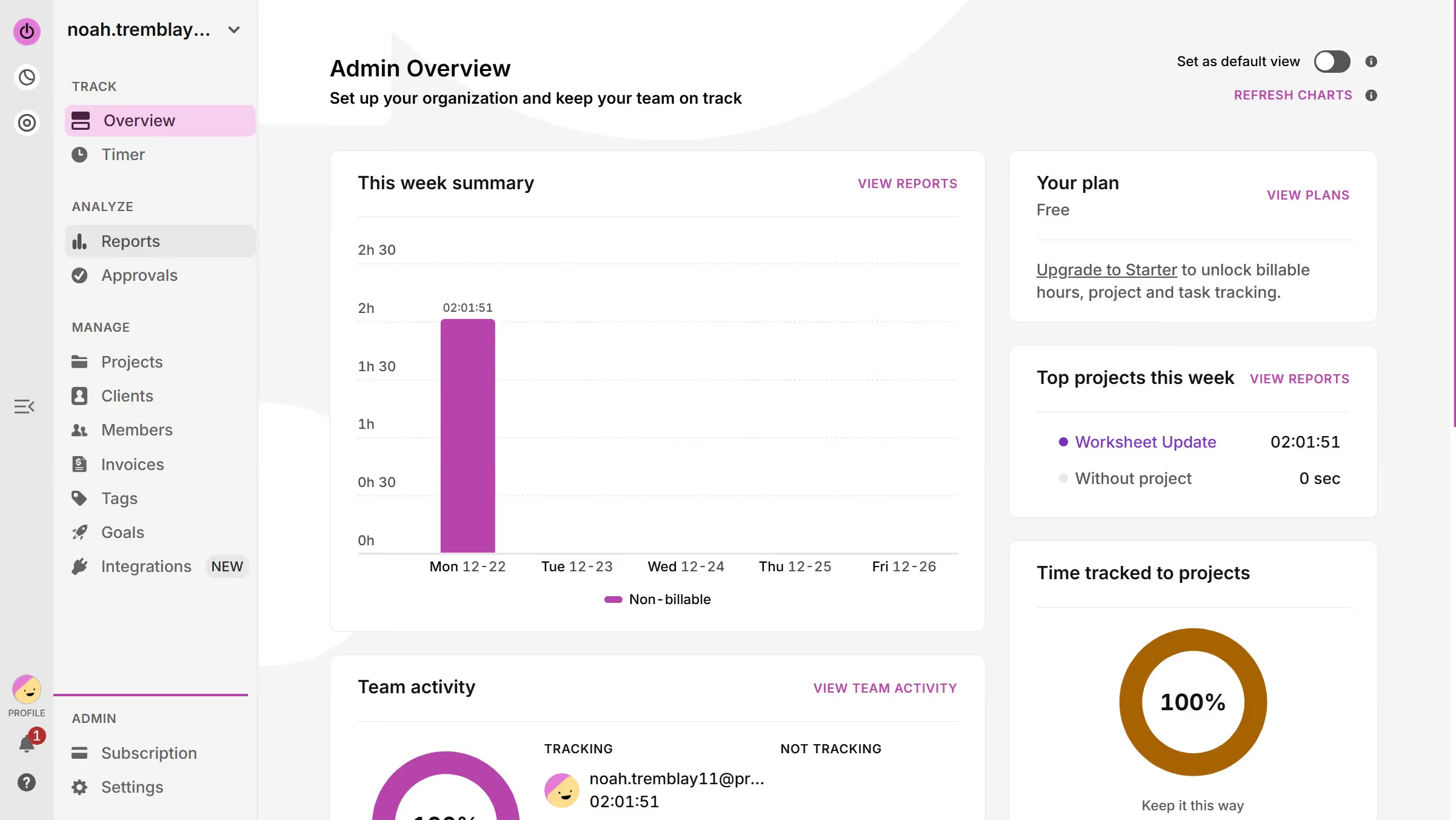
Here is how to view monthly activity summary in toggl

  1. First click on "Reports" in the sidebar under the ANALYZE section
  2. Then click on the button in the date range selector
  3. Finally click on "This month" option in the dropdown menu to confirm the date range selection

Create your own interactive guide with Guideflow

Why should you view monthly activity summary in Toggl

Toggl is a powerful tool designed to streamline time tracking for improved productivity and efficiency.

The monthly activity summary feature in Toggl is an accessible way to gain insight into how time is being spent over a month. It provides a clear overview of all logged hours across different projects and tasks, allowing for easy reflection on productivity patterns.

Using this feature, users can identify peak performance periods, spot inefficiencies, and make informed decisions to optimize time management. Moreover, this facilitates better project planning and resource allocation.


Last update
March 13, 2026
Cursor MariaA cursor points to a button labeled "James."

Create your first demo in less than 30 seconds.