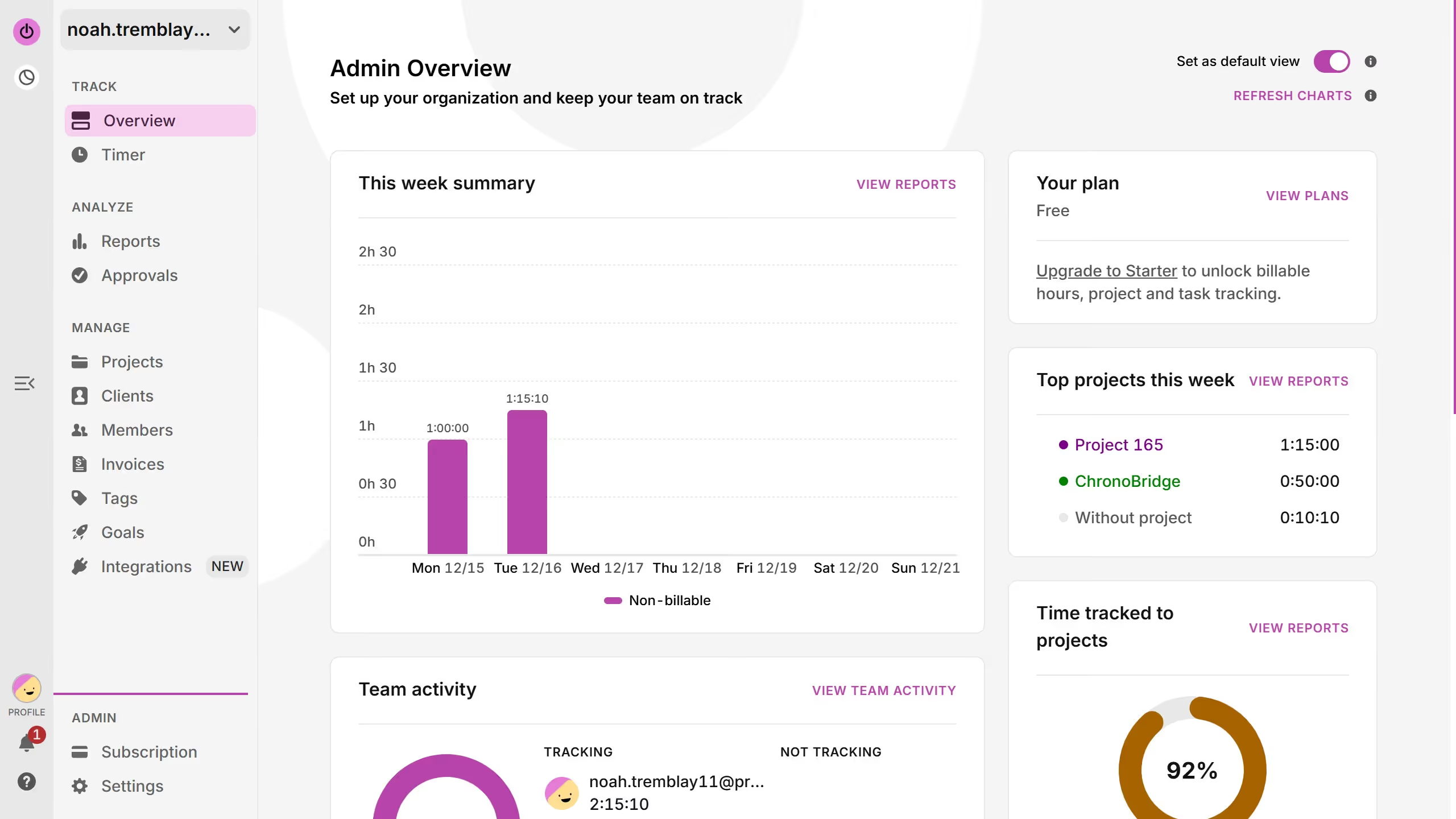
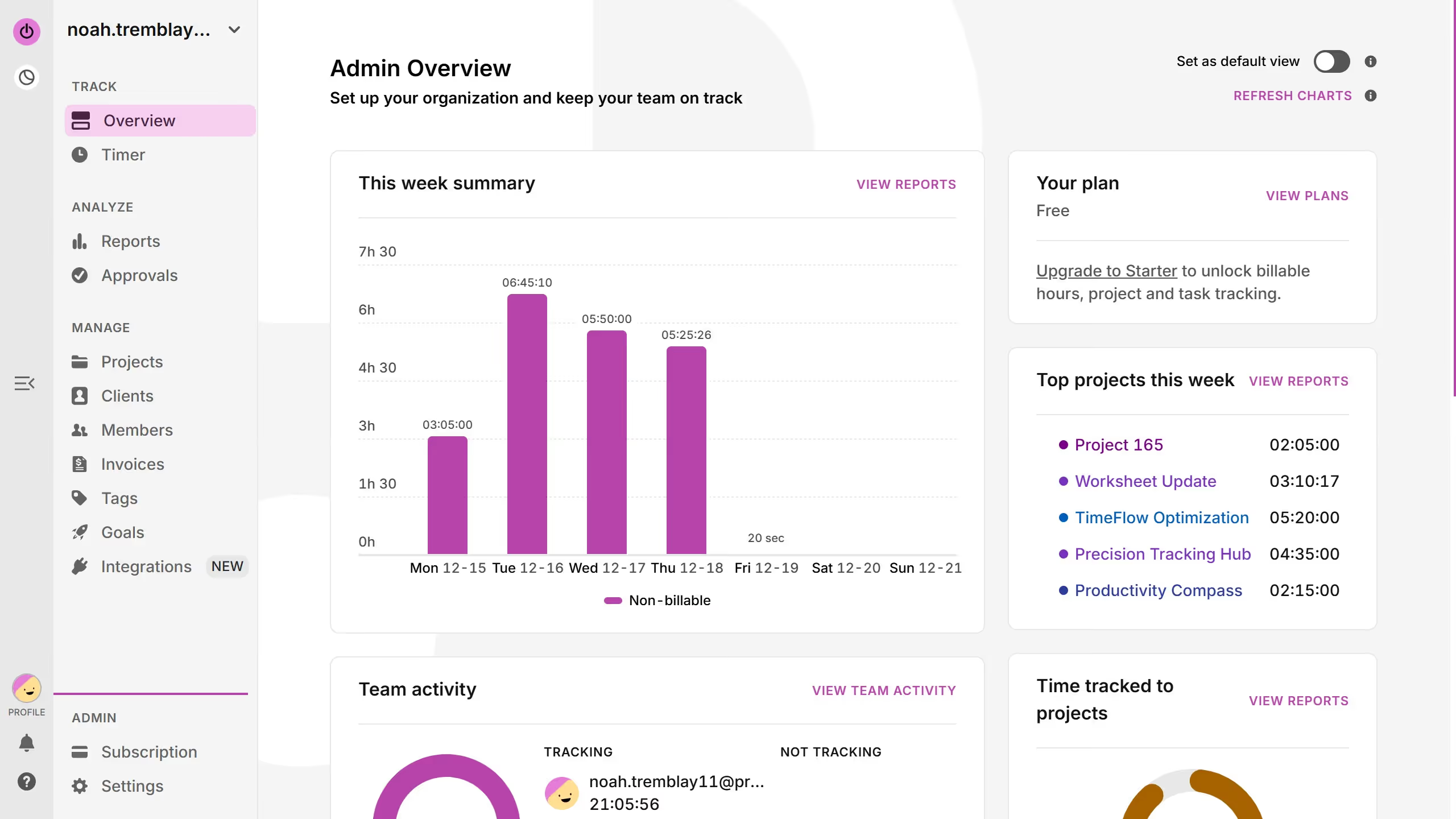
Here is how to change breakdown type in reports in toggl
- First click on "Reports" link in the sidebar under the ANALYZE section
- Then click on the "Breakdown by: " dropdown
- Finally click on your desired breakdown type


Create your own interactive guide with Guideflow
Toggl is a versatile time-tracking tool designed to boost productivity and efficiency.
One standout feature is the ability to change the breakdown type in reports, offering users a customized view of their time management.
This feature allows for greater flexibility in analyzing how time is allocated across projects, tasks, or clients, enhancing your ability to identify trends and optimize workflows.
By adjusting the breakdown type, users can focus on the most critical data, making it an invaluable tool for time management and strategic planning.
Why leading companies build with Guideflow