How to add a manual time entry in Toggl
Here is how to add a manual time entry in toggl
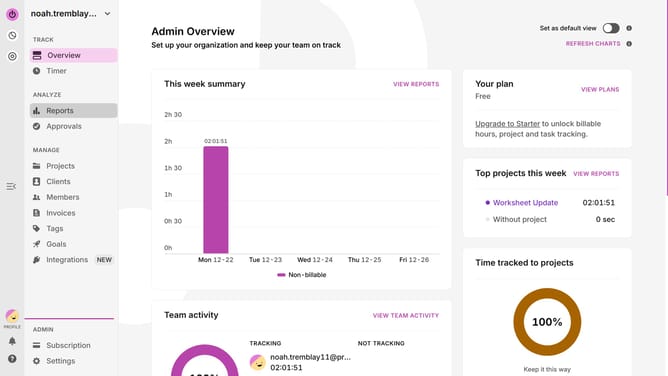
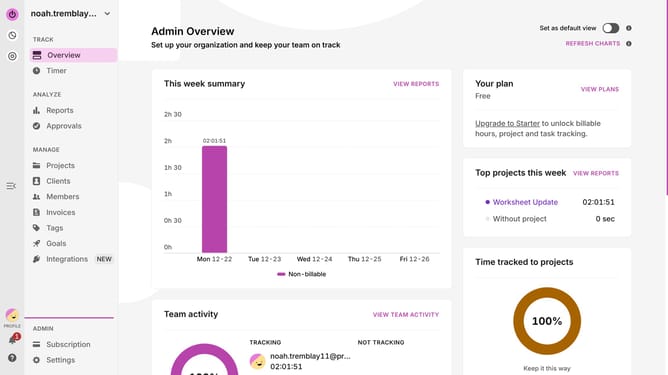
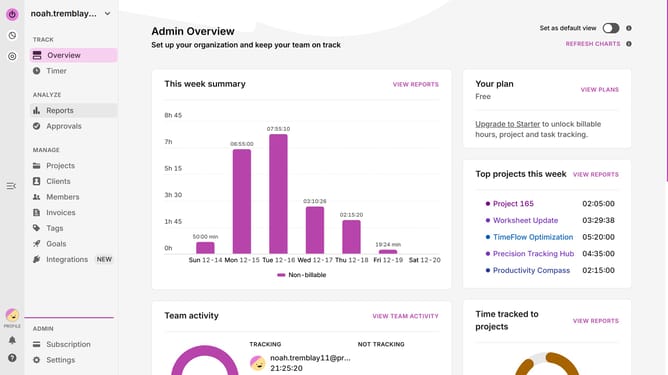
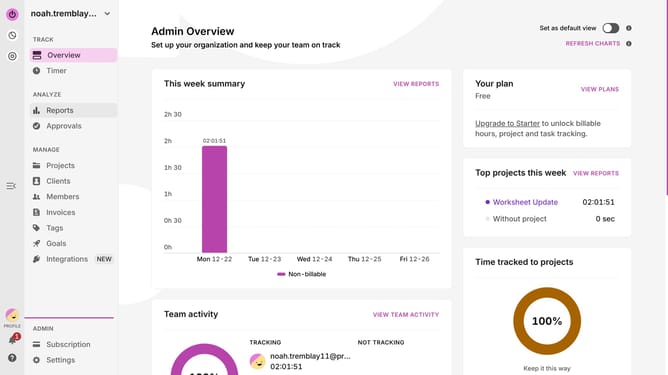
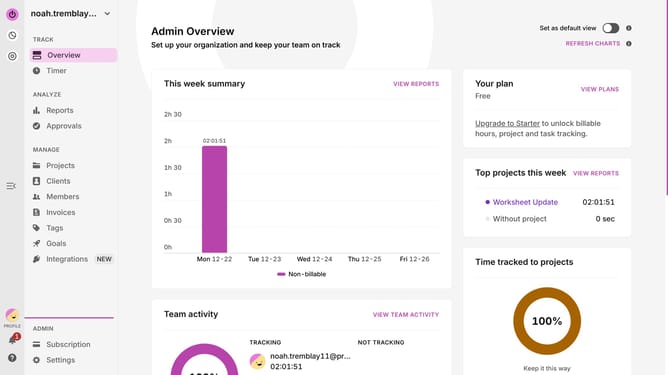
- First click the "Timer" located in the left sidebar under the TRACK section
- Then click on a time slot in the calendar view to create a new time entry
- Next type the description of the time entry in the "Add a description" field of the time entry dialog
- Finally click on the "Add" button to save the time entry
Why should you add a manual time entry in Toggl
Toggl is a seamless tool designed for efficient time tracking and productivity.
The manual time entry feature in Toggl empowers users to add time entries easily, even after the fact. It provides flexibility when you forget to start the timer or need to log past hours.
Using this feature ensures that every bit of your work is accounted for, enhancing accuracy and completeness in time management. This leads to better productivity insights and improved billing precision.
Last update