How to delete a time entry in Toggl
Here is how to delete a time entry in toggl
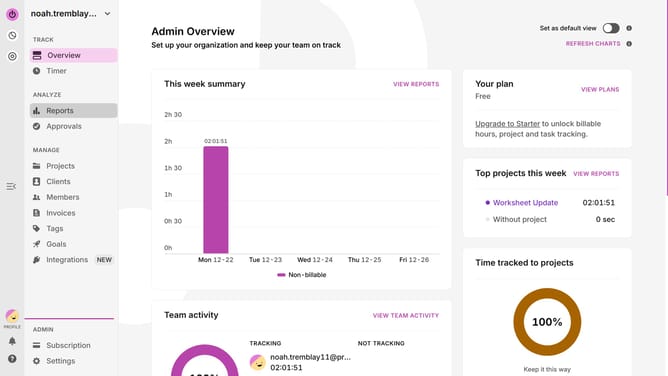
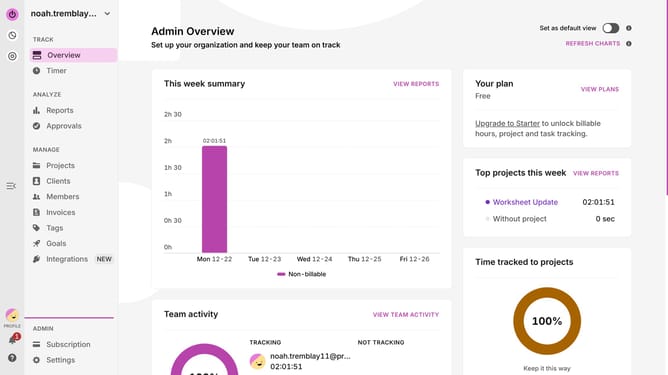
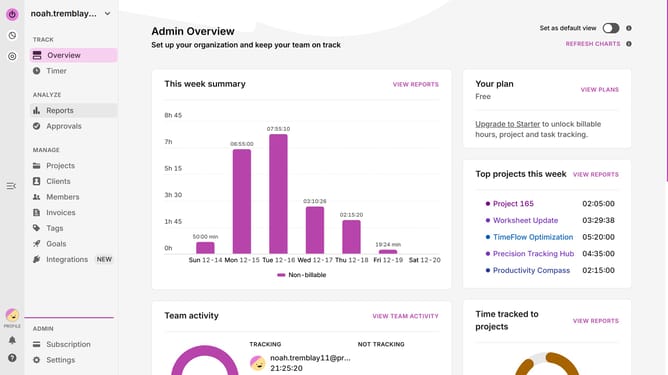
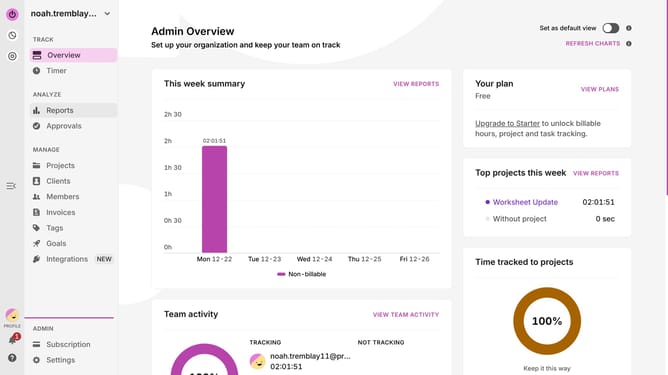
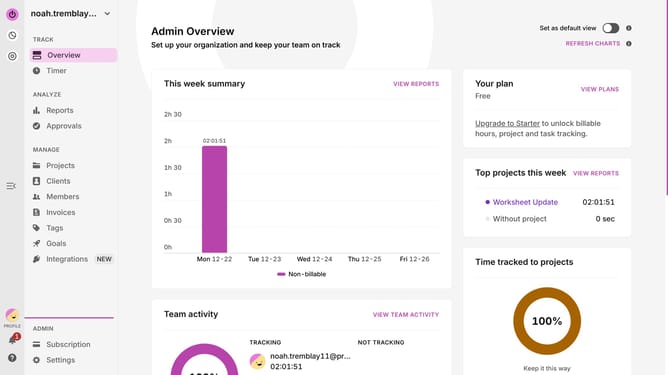
- Click on the "Timer" menu item in the left sidebar
- Click on the time entry you want to delete
- Next click on the three-dot menu icon in the time entry details popup
- Finally click on the "Delete" option from the dropdown menu
Why should you delete a time entry in Toggl
Toggl, a versatile time-tracking tool, effortlessly enhances productivity by monitoring tasks with precision.
One of its standout features is the ability to delete a time entry, ensuring your records remain clean and accurate.
By utilizing this feature, users can swiftly eliminate mistakes or unnecessary entries, promoting a clutter-free timeline.
This organized approach not only simplifies reporting but also maximizes the efficiency of your work process, making every second count.
Last update