How to change the time format in Toggl
Here is how to change the time format in toggl
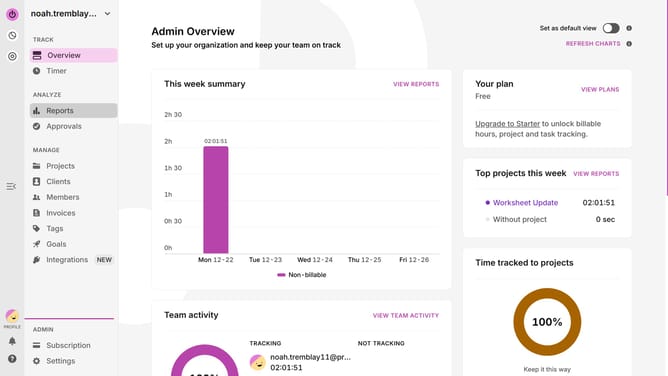
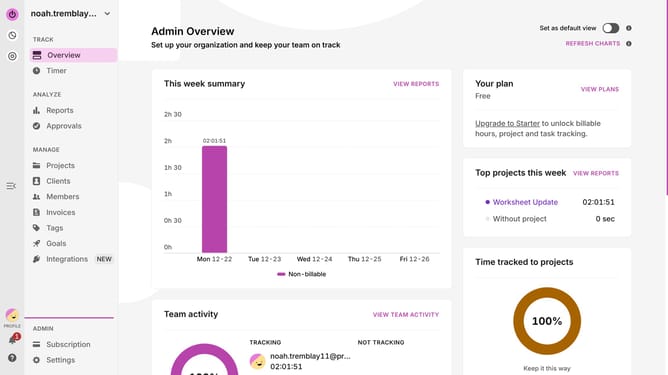
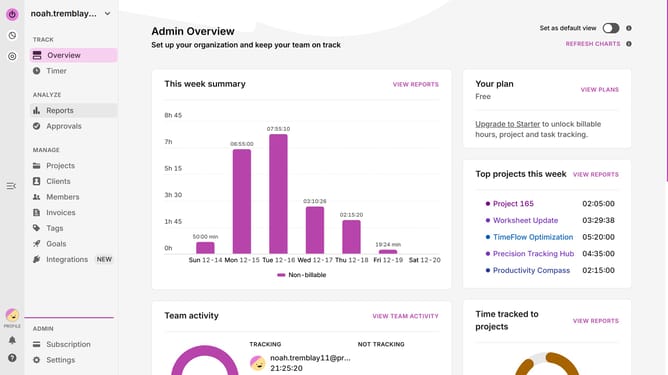
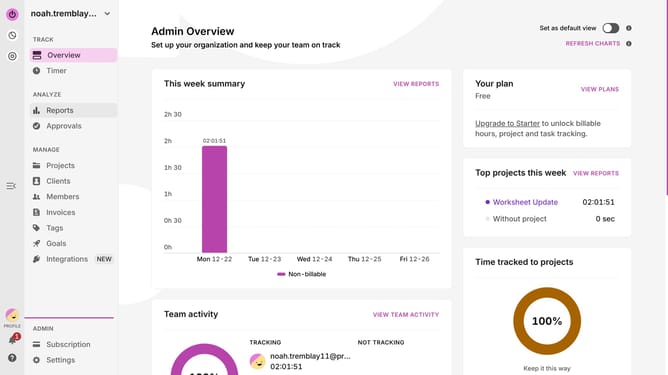
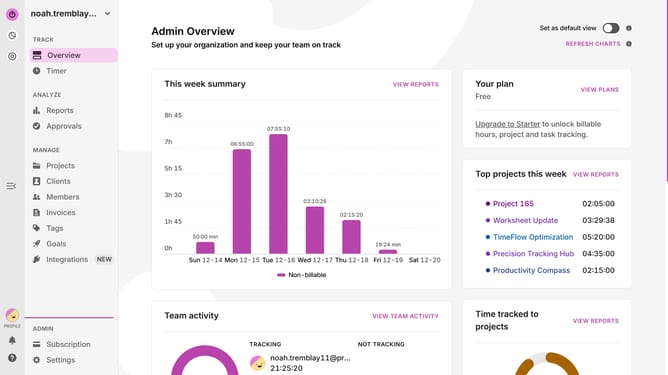
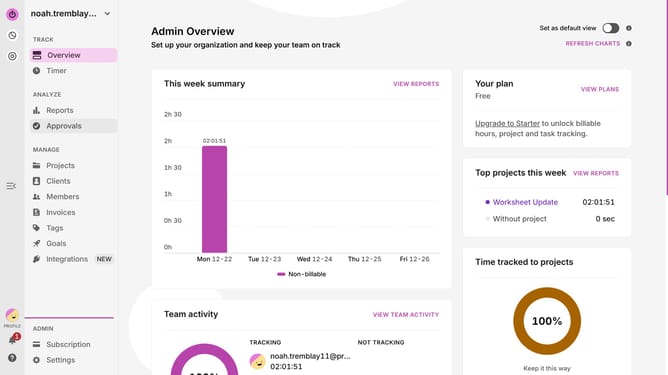
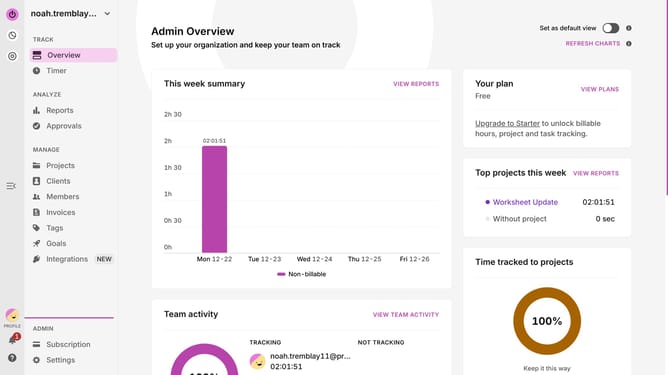
- First click on the "PROFILE" icon in the bottom left sidebar
- Click on the "Profile Settings"
- Then click on the preferred "TIME FORMAT" from the dropdown menu
- Finally select your preferred time format option from dropdown menu
Why should you change the time format in Toggl
Toggl is a versatile time-tracking tool designed to boost productivity and efficiency.
One of Toggl's handy features is the ability to change the time format, tailored to fit your personal preference. This feature enhances the user experience by allowing you to view time data in either 12-hour or 24-hour formats, whichever feels more intuitive to you.
Customizing how time is displayed not only streamlines your workflow but also minimizes errors and enhances clarity when tracking time logs for your projects.
Last update