How to edit goals in Toggl
Here is how to edit goals in toggl
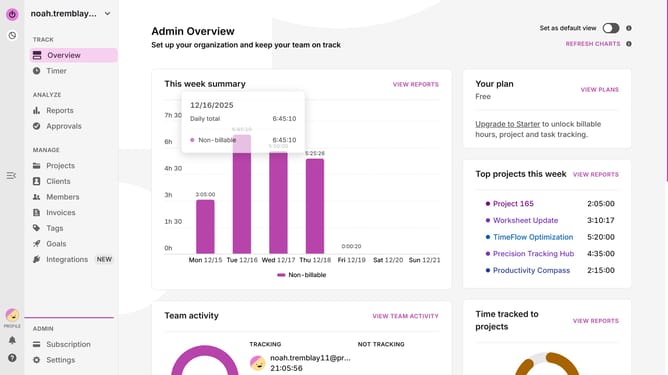
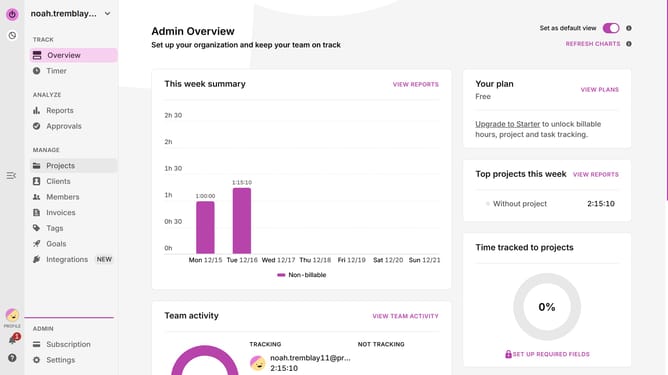
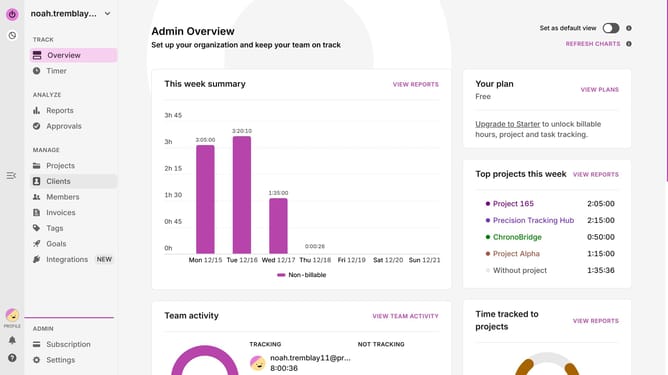
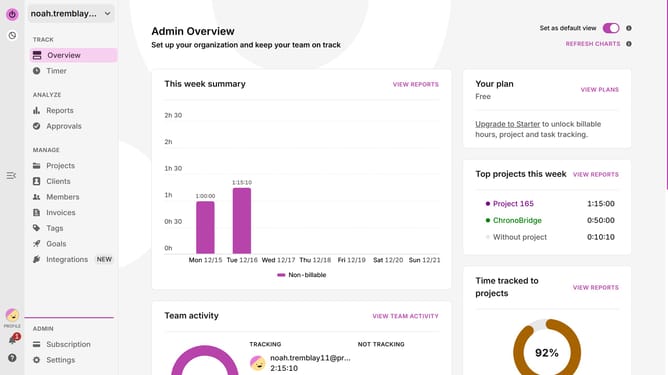
- First click on "Goals" link in the sidebar under the MANAGE section
- Then click on the three-dot menu button in the goal you want to edit
- Next click on "Edit goal" option from the dropdown menu
- Then modify the goal name in the text field
- Finally click on "Edit goal" button to save changes
Why should you edit goals in Toggl
Toggl is an intuitive time-tracking tool designed to boost productivity and streamline project management.
One of Toggl's key features is the ability to edit goals, allowing users to stay aligned with their objectives effortlessly.
By customizing and modifying these goals, users can ensure their time usage aligns perfectly with evolving priorities and project needs.
This adaptability not only enhances focus and efficiency but also promotes smarter time management, helping users achieve their targets effectively.
Last update