Toggl
Toggl is a time tracking platform that helps individuals and teams monitor work hours and gain productivity insights.
Website
Industry
Collaboration
Share this article:

How to restore an archived goal in Toggl

Here is how to restore an archived goal in toggl

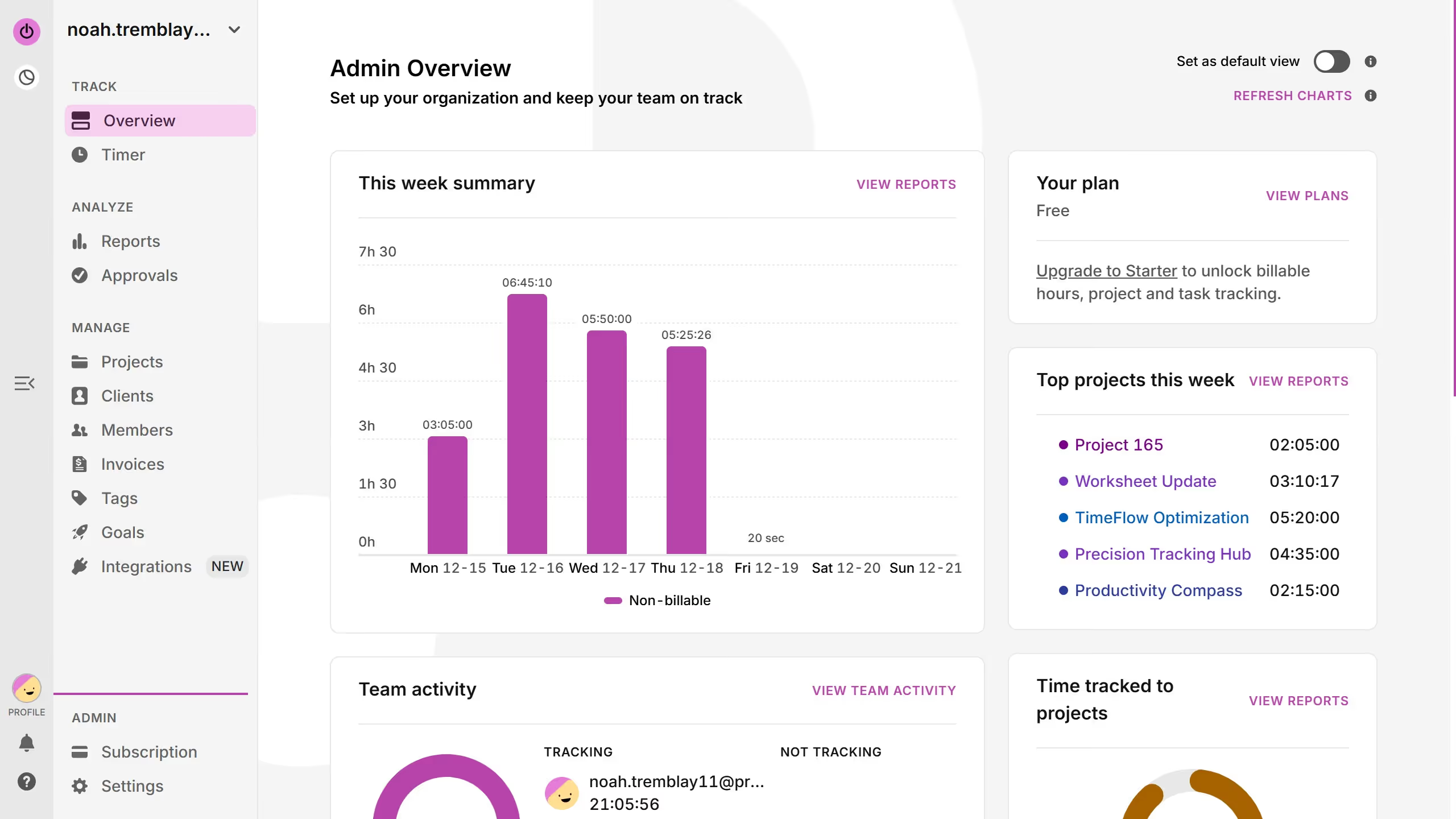
  1. First click on "Goals" link in the left sidebar under the MANAGE section
  2. Then click on the dropdown button  to expand the filter options
  3. Next select "Archived goals" option from the dropdown menu
  4. Then click on the three-dot menu icon on the goal you want to restore
  5. Finally click on "Edit goal" option from the menu that appears

Create your own interactive guide with Guideflow

Why should you restore an archived goal in Toggl

Toggl is a time-tracking tool designed to simplify productivity management.

One of Toggl's standout features is the ability to restore archived goals with ease. This means you can seamlessly bring back past objectives, now ready to be refined and pursued once again.

By being able to revisit and revive archived goals, you have the opportunity to adapt to changing priorities without losing previous efforts. This enhances your workflow, allowing you to remain agile and efficient in goal management.

Ultimately, restoring archived goals gives you flexibility, ensuring every goal can contribute to your ongoing success.


Last update
March 13, 2026
Cursor MariaA cursor points to a button labeled "James."

Create your first demo in less than 30 seconds.