How to delete multiple tags in Toggl
Here is how to delete multiple tags in toggl
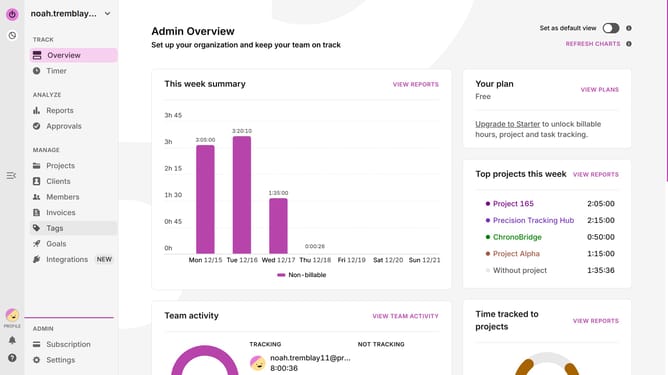
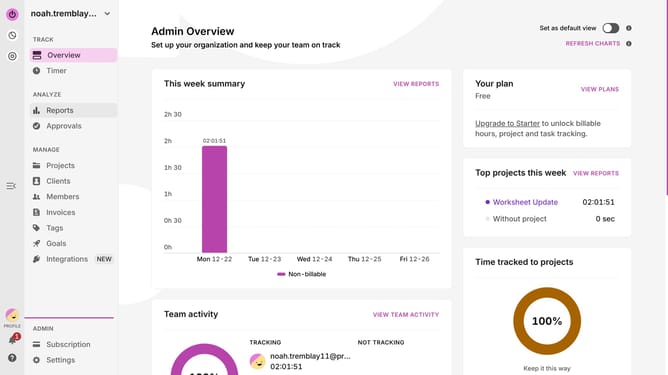
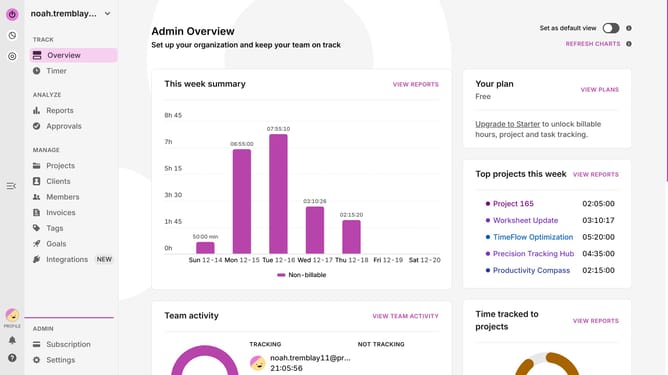
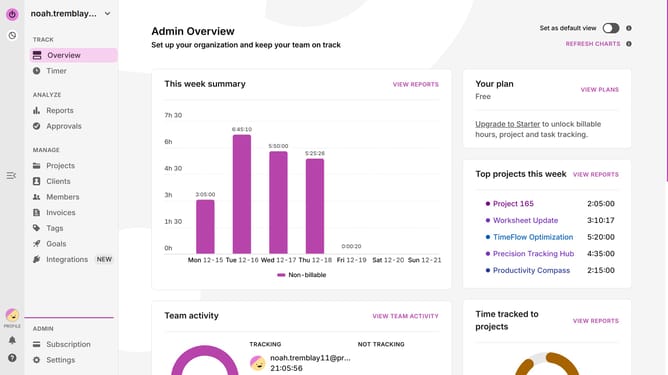
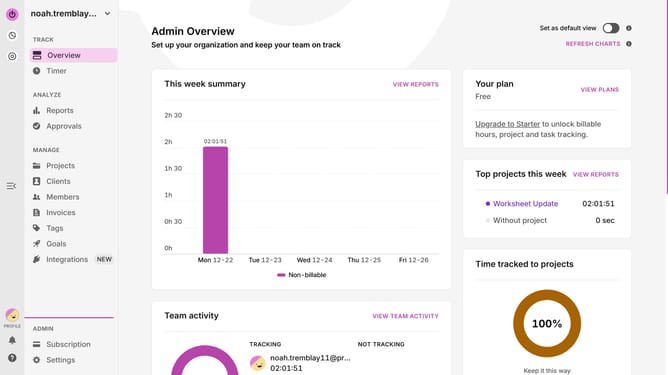
- First click on "Tags" in the sidebar under the MANAGE section
- Then click on the first checkbox next to the tag you want to delete
- Next click on the checkbox next to the other tags you want to delete
- Then click on the "Delete" button in the action bar that appears after selecting items
- Finally click on the "Delete" button in the confirmation dialog to confirm deletion
Why should you How to delete multiple tags in Toggl
Toggl is a powerful time-tracking tool designed to boost productivity and help manage tasks efficiently.
The ability to delete multiple tags in Toggl streamlines your workflow effortlessly.
This feature is extremely beneficial for maintaining an organized workspace, ensuring that only relevant tags are utilized.
By simplifying the management of tags, you can save time, reduce clutter, and maintain focus on more critical aspects of your tasks.
Last update